Buying guide
Which MacBook Should You Buy for School in 2026? 4 Picks for Students
Best for most students: MacBook Air 13-inch (M3). Best value: MacBook Air (M2). Best budget: MacBook Air (M1). Every pick, specs side by side, with live prices.
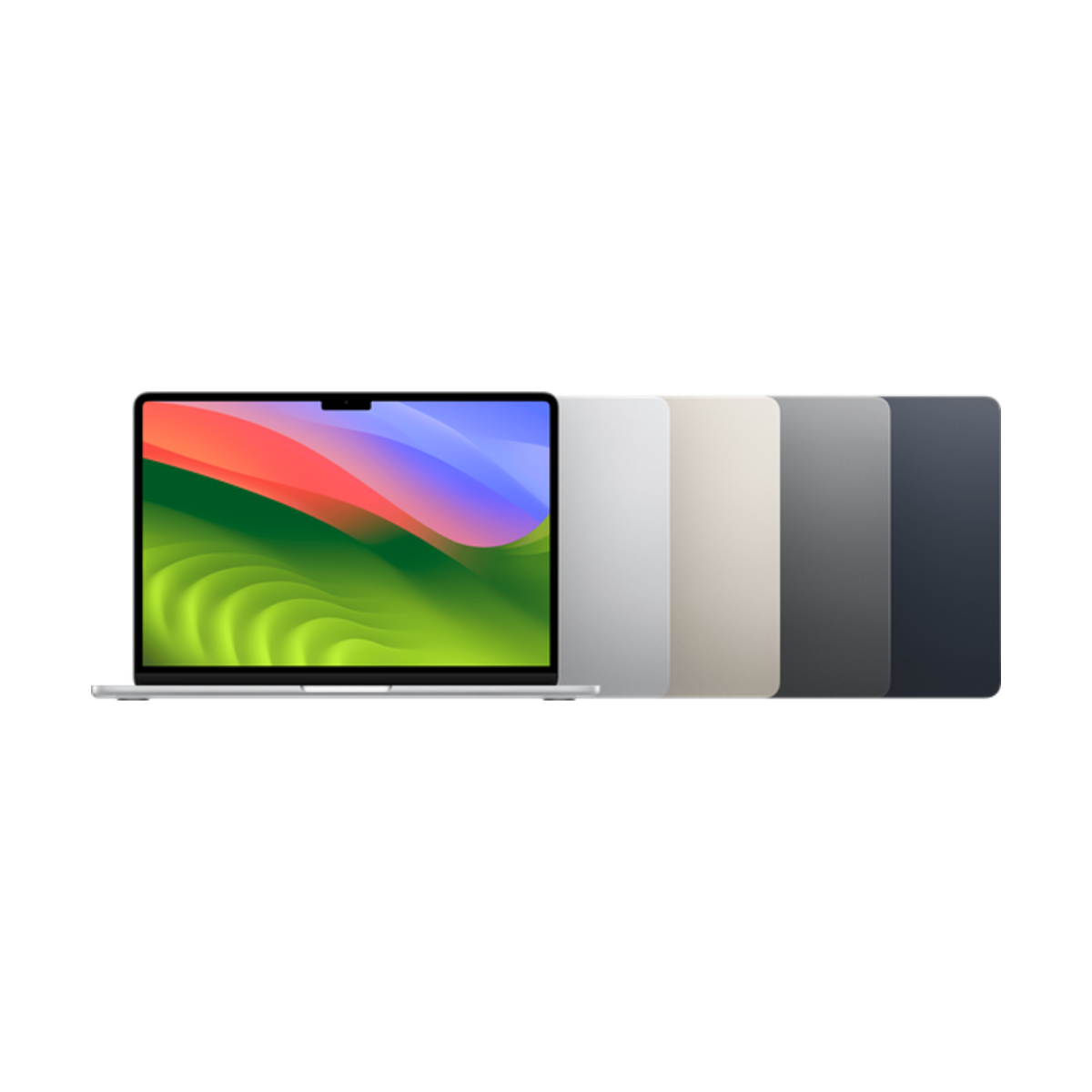
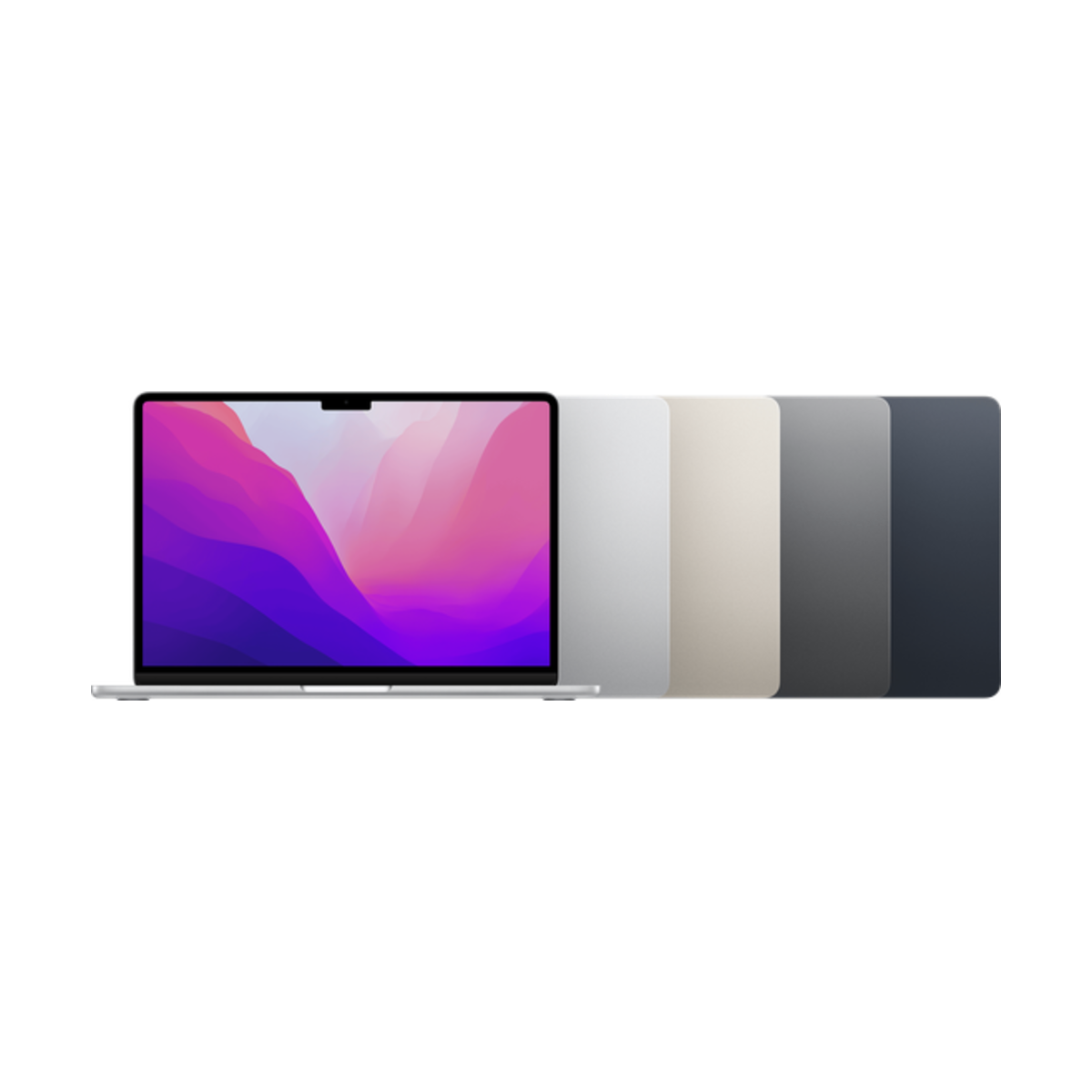

For most students, the best MacBook to buy is the MacBook Air 13-inch (M3). For the best value, get the MacBook Air (M2). On a tight budget, the MacBook Air (M1) still does the job, and for film, design or engineering, get the MacBook Pro 14-inch (M4). Whatever you pick, get 16GB of memory if you can.
Find your MacBook in 3 taps
What's your budget?
What will you use it for most?
Do you want Apple Intelligence?
Our picks
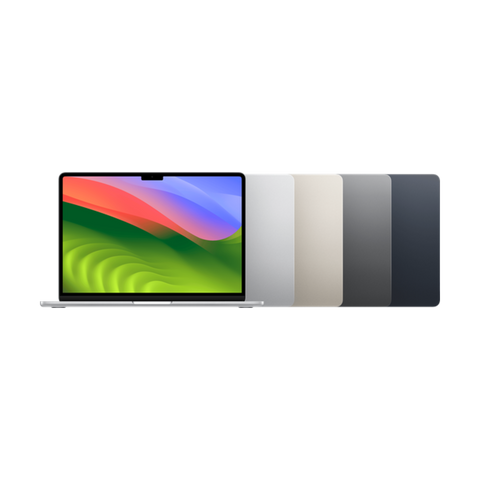
- M3chip
- 15 hrsbattery
- 1.24 kgweight
Buy it if you want a light, silent laptop that lasts a full day of classes and runs every app your program asks for.
Skip it if you edit video for hours. It has no fan, so it slows down a little on long exports.
Why we picked it
The M3 chip, a 13.6-inch Liquid Retina screen, MagSafe charging, a 1080p camera and up to 15 hours of battery in a 1.24 kg, 1.13 cm body. It can also run two external displays with the lid closed, which the M1 and M2 Air cannot.
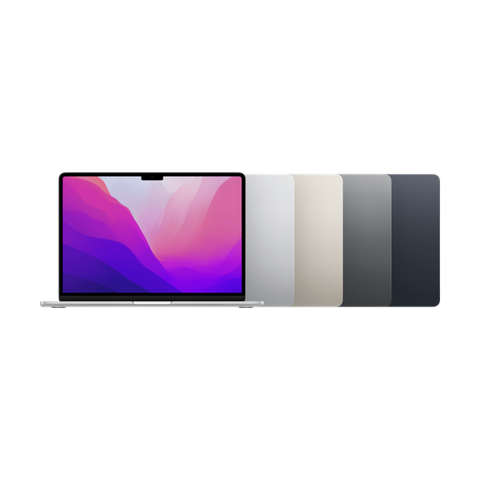
- M2chip
- 13.6"screen
- MagSafecharging
Buy it if you want the modern thin MacBook Air design, MagSafe and a 1080p camera for online classes.
Skip it if you want to plug in two monitors. It supports one external display.
Why we picked it
Same 13.6-inch screen, 1.24 kg body, MagSafe charging and 1080p camera as the M3 model, with the M2 chip and up to 15 hours of battery. For essays, research, Zoom and streaming you will not feel the difference.
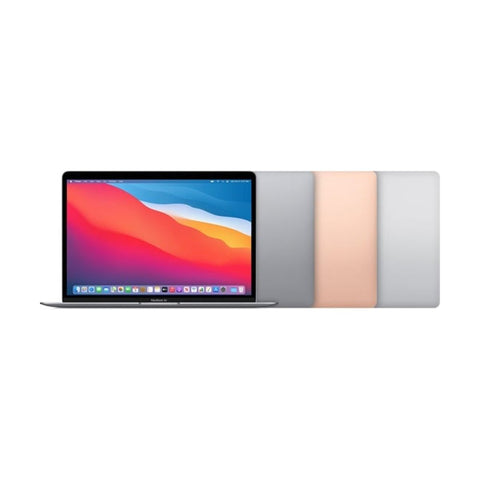
- M1chip
- 15 hrsbattery
- No fansilent
Buy it if you want the lowest-priced Apple silicon MacBook that still gets the current macOS and Apple Intelligence.
Skip it if you take a lot of video calls. Its camera is 720p.
Why we picked it
The M1 chip still handles notes, docs, browsing and light photo editing easily, and Apple rates the battery at up to 15 hours. It has the older wedge design, a 13.3-inch screen and USB-C charging (no MagSafe).
- 120HzXDR screen
- HDMI+ SD slot
- 16 hrsbattery
Buy it if you study film, design, music production or engineering and run heavy apps for hours.
Skip it if you mostly write essays and browse. A MacBook Air does that for less weight.
Why we picked it
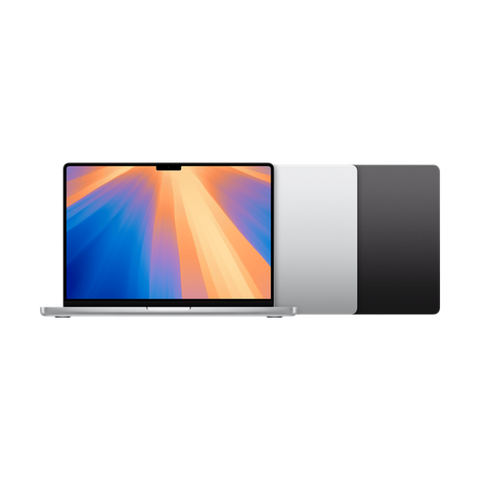
It has the M4 chip with a fan, a 14.2-inch Liquid Retina XDR screen with ProMotion up to 120Hz, three Thunderbolt 4 ports, HDMI, an SD card slot and up to 16 hours of battery. It starts with 16GB of memory.
Every pick side by side
| MacBook | Screen | Chip | Memory | Battery | Weight | External displays | Camera | Released | From |
|---|---|---|---|---|---|---|---|---|---|
| MacBook Air 13-inch (M3, 2024) | 13.6-inch, 60Hz | M3 | 8GB or 16GB (max 24GB) | Up to 15 hours | 1.24 kg | 2* | 1080p | March 2024 | $1,056.99 |
| MacBook Air 13-inch (M2, 2022) | 13.6-inch, 60Hz | M2 | 8GB or 16GB (max 24GB) | Up to 15 hours | 1.24 kg | 1 | 1080p | July 2022 | $999.99 |
| MacBook Air 13-inch (M1, 2020) | 13.3-inch, 60Hz | M1 | 8GB (max 16GB) | Up to 15 hours | 1.29 kg | 1 | 720p | November 2020 | $849.99 |
| MacBook Pro 14-inch (M4, 2024) | 14.2-inch, 120Hz | M4 | 16GB (max 32GB) | Up to 16 hours | 1.55 kg | 2 | 12MP | November 2024 | $1,749.00 |
*With the lid closed. Specs from Apple. Memory depends on the configuration you pick.
How to pick a MacBook for school
- Get Apple silicon (M1 or newer). Every pick here has it. Apple has said macOS Tahoe 26 is the last macOS for Intel Macs, so skip Intel for school.
- Memory matters more than the chip. Memory cannot be upgraded later. 8GB is fine for essays, browsing and streaming. Get 16GB if you keep lots of tabs open, code, or edit photos and video.
- Air or Pro? The Air is silent and light, and it is enough for most programs. The Pro adds a fan, a 120Hz XDR screen, HDMI and an SD card slot, which matter for long video, design and engineering work.
- Check your program. Some engineering and business courses use Windows-only software. Ask your school, or check that it runs in a browser, before you buy.
Storage tip: 256GB is enough if your files live in iCloud, OneDrive or Google Drive. Get 512GB if you edit video or keep big projects on the laptop. Storage cannot be upgraded later either.
Questions people ask
What is the best MacBook for students?
The MacBook Air 13-inch (M3) for most students. It is light, silent, lasts up to 15 hours and can run two external displays with the lid closed. The MacBook Air (M2) is the value pick.
Is a MacBook Air good enough for university?
Yes, for most programs. Essays, research, spreadsheets, coding classes, Zoom and photo editing all run well on an M1, M2 or M3 Air. Film, 3D and heavy engineering work are where a MacBook Pro earns its fan.
Is 8GB of RAM enough for a student?
For writing, browsing, streaming and video calls, yes. If you code, edit photos or video, or keep dozens of tabs open, get 16GB. Memory cannot be added later, so check the configuration before you buy.
Is the MacBook Air M1 still worth it in 2026?
For basic schoolwork, yes. It runs the current macOS and supports Apple Intelligence. Its weak spots are the 720p camera and support for only one external display.
MacBook Air or MacBook Pro for school?
The Air for most students. The Pro adds a fan, a brighter 120Hz screen, HDMI and an SD slot. Read MacBook Air vs MacBook Pro.
13-inch or 15-inch?
The 13-inch is easier to carry between classes. The 15-inch MacBook Air gives you more screen in a 1.51 kg body with the same battery rating. See every size in all MacBooks.
Does a MacBook work with Windows apps?
Not directly. Many school tools run in a browser or have Mac versions. For Windows-only software, ask your school about virtual desktops or use software that runs Windows on a Mac.
What should I check on a used MacBook?
Battery cycle count, Activation Lock, device management and the keyboard. Our refurbished MacBook checklist walks through all 10 checks.
Is a pre-owned MacBook a safe buy?
Every MacBook we sell is inspected, tested, cleaned and fully wiped by our own technicians, and checked that it is not reported lost or stolen. You get up to a 1-year warranty and 14-day returns. Grades describe looks only, so every grade works 100%.
How did we pick?
We compared Apple's published specs for every MacBook we sell (chip, memory, screen, battery, ports and camera) and weighed them against what students actually do. Prices on this page are live from our store.
Want more detail? Compare MacBook Air vs MacBook Pro, read our refurbished MacBook checklist, or shop all MacBooks. Pairing it with a tablet? See which iPad to buy.
Évitez le prix du neuf
Procurez-vous le MacBook Air 13 pouces (M3, 2024) d'occasion à partir de $1,056.99, testé par de vrais techniciens, avec une garantie d'un an et des retours sous 14 jours.