iPad Air (5th gen, M1) trade-in value
Sell your iPad Air (5th gen, M1)
We pay up to $360 for your iPad Air (5th gen, M1).
Pick your storage and condition to see your exact offer. We email you a prepaid shipping label and pay you within 5 business days of receiving it.
Your quote is locked in for 21 days. Final value is confirmed when we inspect it.

Get your instant offer
What are you selling?
or pick a category
Select brand
Which model do you have?
Storage
Battery health
Move the slider to match the battery's "Maximum capacity".
How to find it:
Condition
Be honest. We check every device, and an accurate pick means no surprises.
How much is my iPad Air (5th gen, M1) worth?
Our current offers for each storage size and condition. Prices updated October 10, 2026.
| Storage | Like new | Good | Fair | Cracked | Not working |
|---|---|---|---|---|---|
| 64GB Wi-Fi | $290 | $246 | $203 | $116 | $58 |
| 64GB Wi-Fi + Cellular | $314 | $267 | $220 | $126 | $63 |
| 256GB Wi-Fi | $337 | $286 | $236 | $135 | $67 |
| 256GB Wi-Fi + Cellular | $360 | $306 | $252 | $144 | $72 |
In short: the iPad Air (5th gen, M1) (64GB Wi-Fi) in Like new condition gets $290, Good pays $246 and Fair pays $203. The 256GB Wi-Fi + Cellular version in Like new condition gets $360.
Like new: no visible scratches or dents, battery health 85% or more. Good: light scratches or scuffs only, battery health 80% or more. Fair: deep scratches, scuffs or small dents, no cracks. Cracked: cracked front or back glass, everything else works. Not working: doesn't turn on, or has a major fault. Every condition must be free of account locks and not reported lost or stolen. Prices in Canadian dollars.
Get my exact offeriPad Air (5th gen, M1) at a glance
The iPad Air (5th gen, M1) came out in 2022. It has a 10.9-inch Liquid Retina screen and the M1 chip. Use the specs below to confirm you have the right model before you request a quote.
| Released | 2022 |
|---|---|
| Screen size | 10.9-inch |
| Display type | Liquid Retina (LED-backlit LCD) |
| Refresh rate | 60Hz |
| Peak brightness | 500 nits |
| Chip | M1 |
| Rear camera | 12MP Wide |
| Front camera | 12MP Ultra Wide, Center Stage (portrait edge) |
| Battery life | Up to 10 hours |
| Port | USB-C (up to 10Gb/s) |
| Weight | 461g |
| Biometrics | Touch ID (top button) |
| Apple Pencil support | Apple Pencil (2nd gen), Apple Pencil (USB-C) |
| Keyboard support | Magic Keyboard, Magic Keyboard for iPad Air, Smart Keyboard Folio |
| Apple Intelligence | Yes |
| Cellular option | Yes |
iPad Air (5th gen, M1) or iPad Air (4th gen): how to tell them apart
These two look alike, so check the rows below and pick the right model in the quote tool.
| iPad Air (5th gen, M1) | iPad Air (4th gen) | |
|---|---|---|
| Released | 2022 | October 2020 |
| Chip | M1 | A14 Bionic |
| Front camera | 12MP Ultra Wide, Center Stage (portrait edge) | 7MP FaceTime HD |
| Port | USB-C (up to 10Gb/s) | USB-C (up to 5Gb/s) |
| Apple Pencil support | Apple Pencil (2nd gen), Apple Pencil (USB-C) | Apple Pencil (2nd gen) |
Selling the iPad Air (4th gen) instead? See what we pay for the iPad Air (4th gen).
iPad Air (5th gen, M1) quick answers
When did the iPad Air (5th gen, M1) come out?
The iPad Air (5th gen, M1) came out in 2022. It runs on the M1 chip.
What is the difference between the iPad Air (5th gen, M1) and the iPad Air (4th gen)?
The main differences are the chip (M1 vs A14 Bionic), front camera (12MP Ultra Wide, Center Stage (portrait edge) vs 7MP FaceTime HD) and port (USB-C (up to 10Gb/s) vs USB-C (up to 5Gb/s)).
What decides your iPad Air (5th gen, M1) trade-in value
- Storage. We buy the iPad Air (5th gen, M1) in 64GB Wi-Fi, 64GB Wi-Fi + Cellular, 256GB Wi-Fi and 256GB Wi-Fi + Cellular. More storage usually pays more.
- Condition. Scratches, dents and cracks move your offer down a grade. The table above shows what each grade pays.
- Battery health. Like new needs 85% or more and Good needs 80% or more.
- Locks. Find My must be off and the iPad signed out of your Apple Account, and it must not be reported lost or stolen.
How to check that you have an iPad Air (5th gen, M1)
Open Settings, then General, then About. Model Name shows which iPad you have, and Capacity shows its storage.
The iPad Air (5th gen, M1) came out in 2022. It has a 10.9-inch Liquid Retina screen and the M1 chip, with Touch ID in the top button.
How to get your iPad Air (5th gen, M1) ready to sell
- Back it up to iCloud or your computer.
- Turn off Find My. Go to Settings, tap your name, then Find My, then Find My iPad, and switch it off.
- Sign out of your Apple Account. In Settings, tap your name, then Sign Out.
- Erase it. Go to Settings, then General, then Transfer or Reset iPad, then Erase All Content and Settings. On a cellular iPad, choose to erase the eSIM too.
- Take out any SIM card if your iPad has one.
When is the best time to sell your iPad Air (5th gen, M1)?
Sooner is usually better. Trade-in values tend to fall as devices age, and often drop when a newer model comes out. Our offers move with the market. When you get a quote, that price is locked in while you ship.
iPad Air (5th gen, M1) trade-in questions
How much is my iPad Air (5th gen, M1) worth?
It depends on storage and condition. The table above shows our current offer for every iPad Air (5th gen, M1) storage size and grade. Get a quote for your exact offer.
Do you buy an iPad Air (5th gen, M1) with a cracked screen?
Yes. Pick Cracked / Minor Issue in the quote tool if the screen is cracked but everything else works.
Will you buy an iPad Air (5th gen, M1) that doesn't turn on?
Yes. Pick Defective for an iPad Air (5th gen, M1) that won't power on or has a major fault, including liquid damage. It still can't be locked to an Apple Account.
Selling a different model?
- Sell iPad (10th gen)
- Sell iPad (5th gen)
- Sell iPad (6th gen)
- Sell iPad (7th gen)
- Sell iPad (8th gen)
- Sell iPad (9th gen)
- Sell iPad (A16)
- Sell iPad Air 11-inch (M2)
- Sell iPad Air 11-inch (M3)
- Sell iPad Air 11-inch (M4)
- Sell iPad Air 13-inch (M2)
- Sell iPad Air 13-inch (M3)
- Sell iPad Air 13-inch (M4)
- Sell iPad Air (3rd gen)
- Sell iPad Air (4th gen)
- Sell iPad mini (4th gen)
- Sell iPad mini (5th gen)
- Sell iPad mini (6th gen)
- Sell iPad mini (A17 Pro)
- Sell iPad Pro 10.5-inch
- Sell iPad Pro 11-inch (1st gen)
- Sell iPad Pro 11-inch (2nd gen)
- Sell iPad Pro 11-inch (3rd gen, M1)
- Sell iPad Pro 11-inch (4th gen, M2)
- Sell iPad Pro 11-inch (M4)
- Sell iPad Pro 11-inch (M5)
- Sell iPad Pro 12.9-inch (1st gen)
- Sell iPad Pro 12.9-inch (2nd gen)
- Sell iPad Pro 12.9-inch (3rd gen)
- Sell iPad Pro 12.9-inch (4th gen)
- Sell iPad Pro 12.9-inch (5th gen, M1)
- Sell iPad Pro 12.9-inch (6th gen, M2)
- Sell iPad Pro 13-inch (M4)
- Sell iPad Pro 13-inch (M5)
- Sell iPad Pro 9.7-inch
Upgrading, or need a replacement while you wait? Every refurbished device we sell has up to a 1-year warranty and 14-day returns. Shop refurbished iPad Air (5th gen, M1)
Just 3 easy steps
From quote to payment, here's how it works.
-
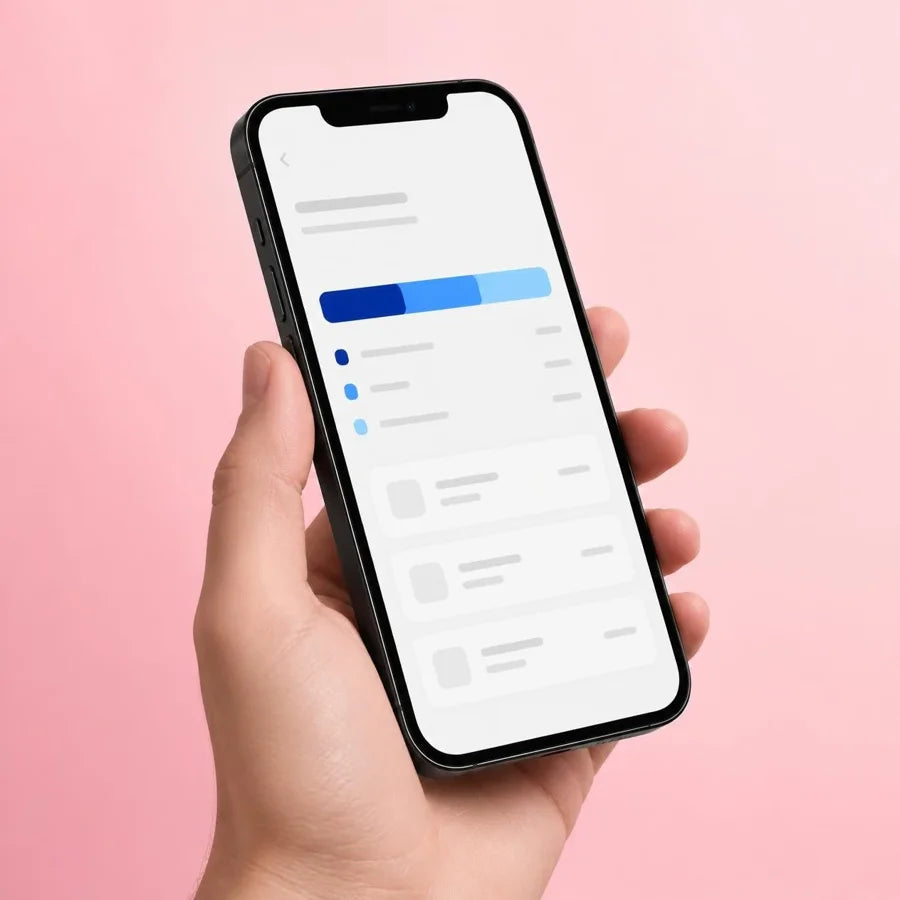
Get an offer
Answer a few quick questions about your device and see your offer online. It only takes a couple of minutes.
-
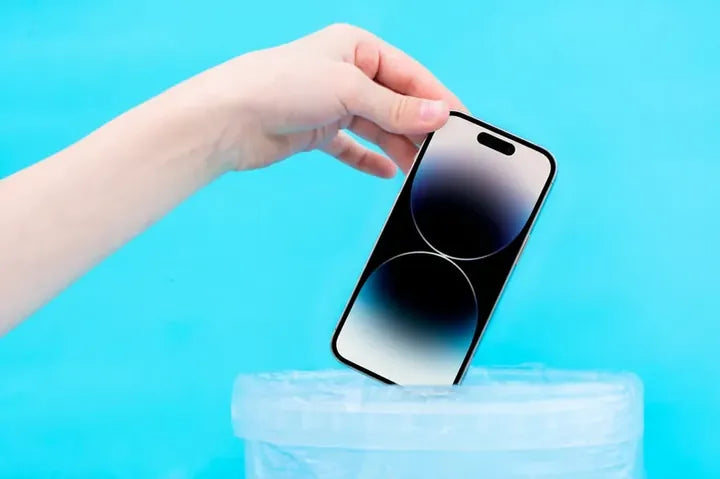
Ship it with our prepaid label
Ship it with the prepaid label we email you, within 21 days of your quote.
-

Get paid
We check your device and pay you within 5 business days of receiving it.