Buying guide
Best iPad for Drawing and Procreate (2026)
The best iPads for drawing and Procreate, which Apple Pencil to pair with each, and the drawing apps worth trying.
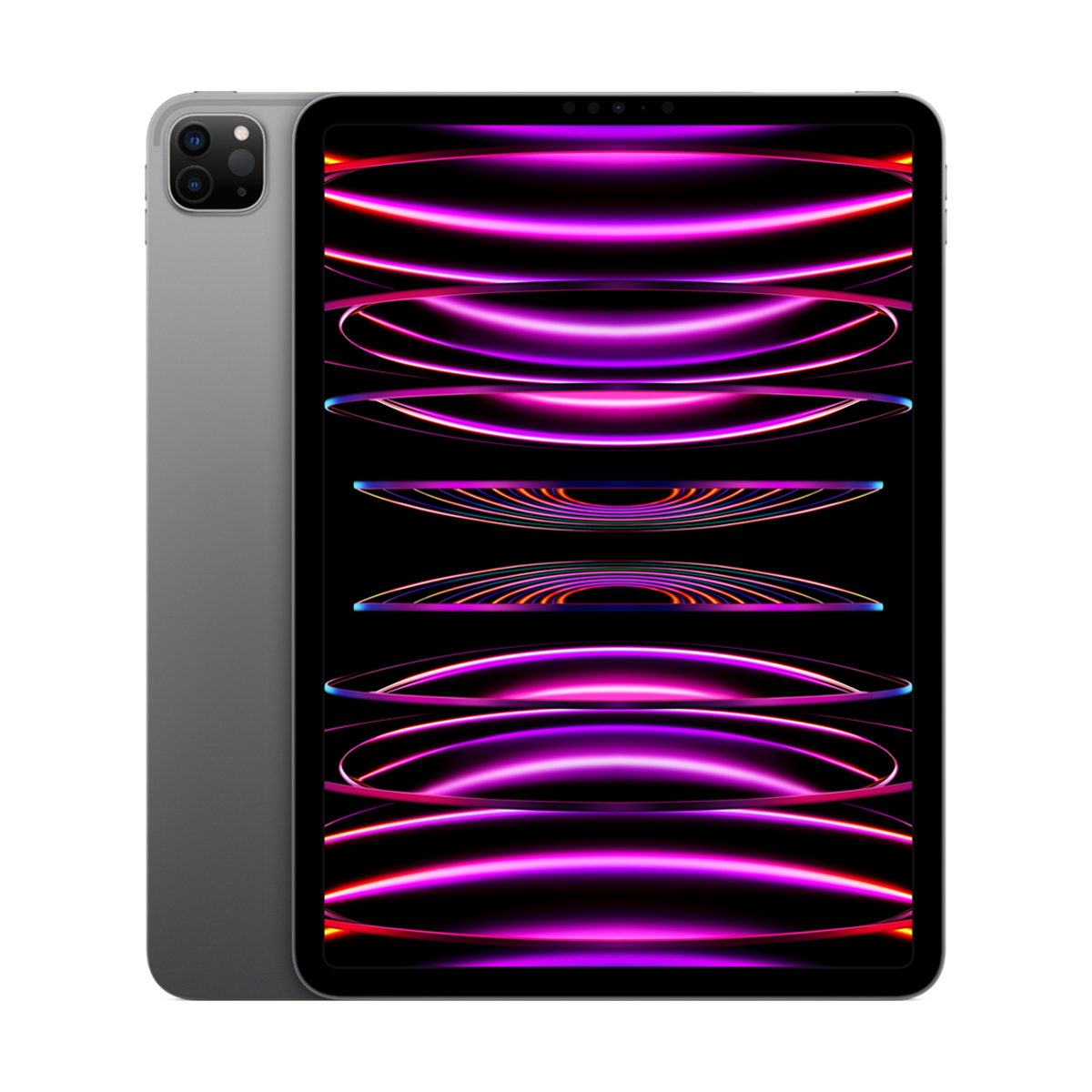
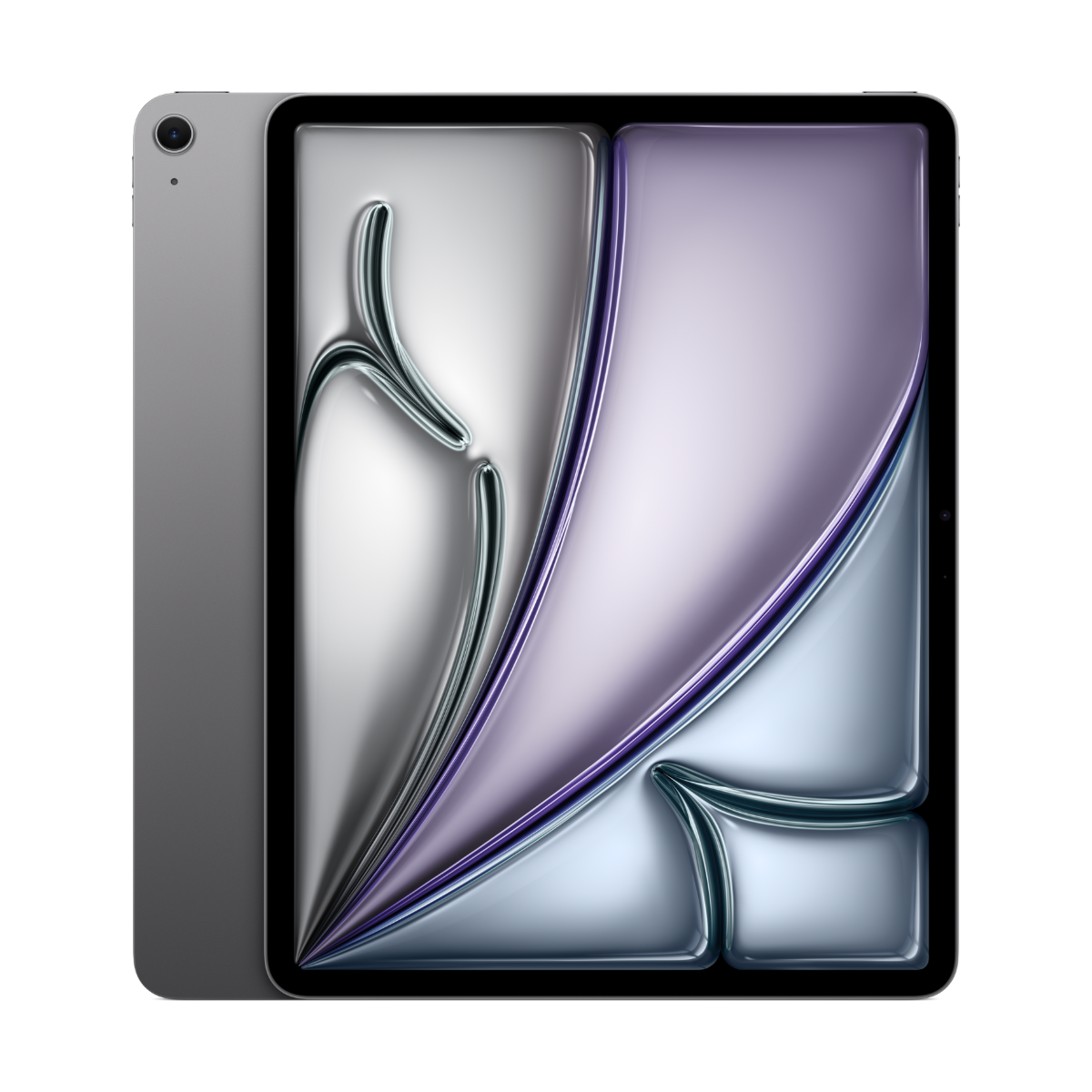
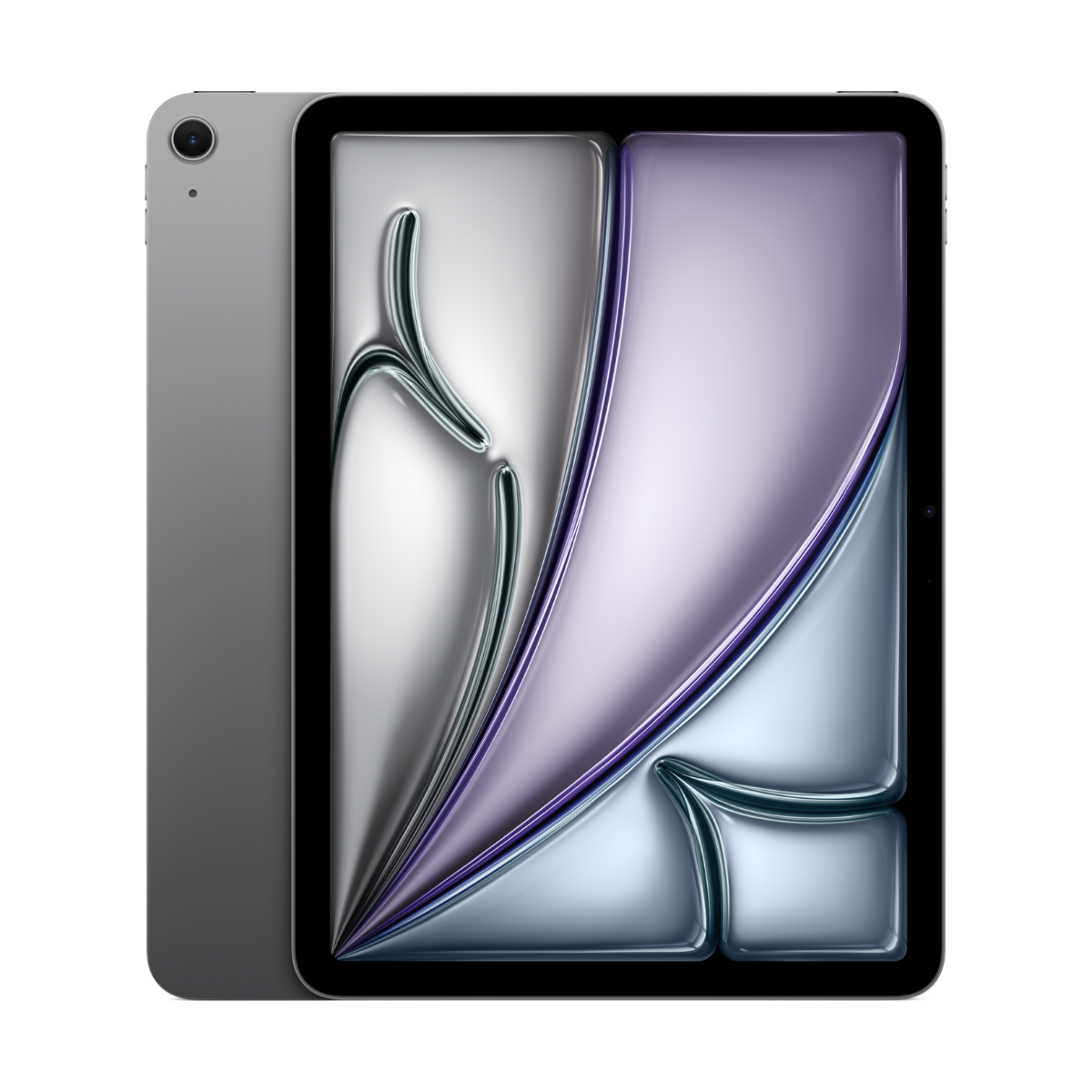
The best iPad for drawing and Procreate is an iPad Pro, because its 120Hz ProMotion screen makes lines feel closest to paper. In our stock that is the iPad Pro 11-inch (M2) with Apple Pencil (2nd gen). If you draw as a hobby or for school, the iPad Air 11-inch (M3) supports Apple Pencil Pro and is plenty. Procreate costs $17.99 once in Canada and needs iPadOS 16.3 or later.
Find your drawing iPad
How serious is your drawing?
Canvas size?
Our picks
- 120HzProMotion
- Pencil 2with hover
- M2chip
Buy it if you draw every day and want smooth 120Hz lines with pressure, tilt and hover.
Skip it if you sketch now and then. The Air does that well.
Why we picked it
ProMotion runs the screen at up to 120Hz, so strokes follow the tip with very little lag. Apple Pencil (2nd gen) snaps on to charge and supports hover on this model, so you see your brush before it touches the glass.
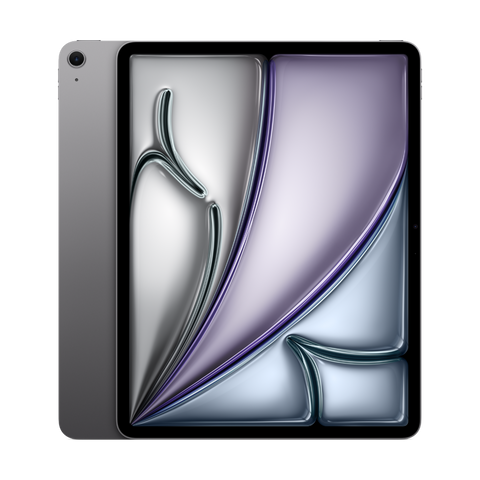
- 13"screen
- Pencil Probarrel roll
- M2chip
Buy it if you want a large canvas and Apple Pencil Pro, and can live with a 60Hz screen.
Skip it if smooth 120Hz lines matter most. Only iPad Pro has ProMotion.
Why we picked it
A big, bright canvas with Apple Pencil Pro (barrel roll, squeeze, haptics) and hover. The M2 chip handles large Procreate canvases with many layers.
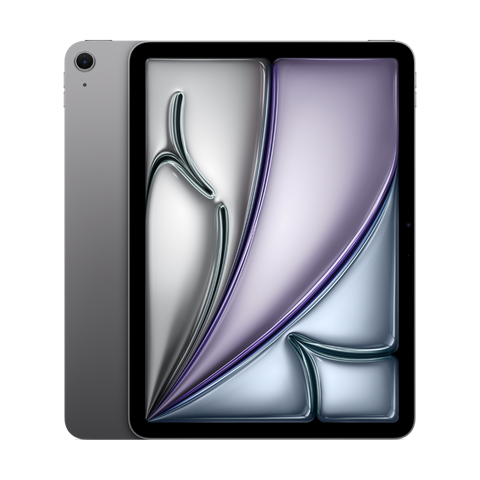
- 11"screen
- Pencil Prosupport
- M3chip
Buy it if you draw, take notes and study on the same iPad.
Skip it if you draw for hours daily. A 120Hz iPad Pro is worth it then.
Why we picked it
Apple Pencil Pro support, hover and the M3 chip. It is a great first serious drawing iPad.
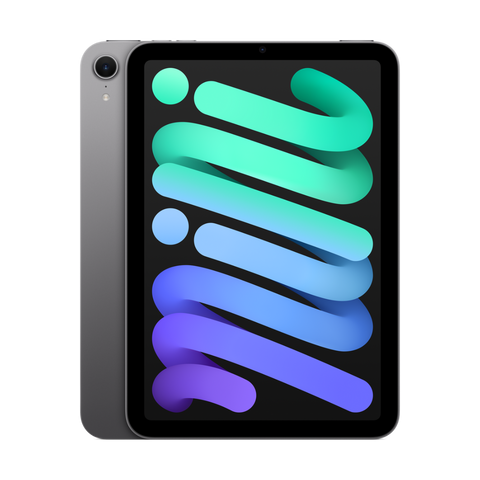
- 8.3"screen
- Pencil Prosupport
- A17 Prochip
Buy it if you want a pocket sketchbook for drawing on the go, at cafes and on transit.
Skip it if it will be your only drawing iPad. The canvas is small for detailed work.
Why we picked it
The smallest iPad with Apple Pencil Pro. Sketch anywhere, then finish on a bigger screen. Procreate runs well on the A17 Pro.
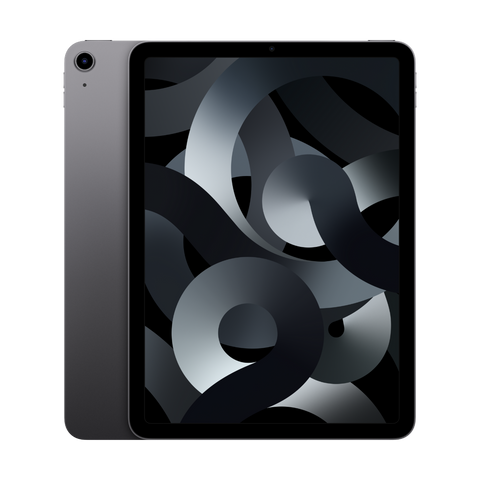
- M1chip
- Pencil 2pressure + tilt
- 10.9"screen
Buy it if you want pressure-sensitive drawing with a magnetic Pencil on a tight budget.
Skip it if you want hover or Apple Pencil Pro. This model takes Apple Pencil (2nd gen) without hover.
Why we picked it
The M1 Air pairs with Apple Pencil (2nd gen), which has pressure and tilt and charges magnetically. The M1 chip still runs Procreate smoothly and supports Apple Intelligence.
Compare the picks
| iPad | Screen | Chip | Apple Pencil | From |
|---|---|---|---|---|
| iPad Pro 11-inch (M2) | 11-inch, 120Hz ProMotion | M2 | Apple Pencil (2nd gen) or USB-C | $969.99 |
| iPad Air 13-inch (M2) | 13-inch | M2 | Apple Pencil Pro or USB-C | $879.99 |
| iPad Air 11-inch (M3) | 11-inch | M3 | Apple Pencil Pro or USB-C | $779.99 |
| iPad mini (A17 Pro) | 8.3-inch | A17 Pro | Apple Pencil Pro or USB-C | $709.99 |
| iPad Air (5th gen, M1) | 10.9-inch | M1 | Apple Pencil (2nd gen) | $549.99 |
Apple Pencil support from apple.com/ca/apple-pencil, Apple Intelligence support from apple.com/ca/apple-intelligence and iPadOS 27 support from apple.com/ca/os/ipados, checked October 24, 2026. "From" is today's live starting price across grades.
What matters for drawing
- Pressure sensitivity. Apple Pencil Pro, 2nd gen and 1st gen have it. Apple Pencil (USB-C) does not, so skip it for drawing.
- 120Hz ProMotion. Only iPad Pro has it. Lines follow the tip more closely and panning feels smoother.
- Hover. See your brush size and position before you touch the screen. Works on iPad Pro (M2 and later), iPad Air (M2 and later) and iPad mini (A17 Pro).
- Barrel roll and squeeze. Apple Pencil Pro only. Barrel roll rotates shaped brushes, squeeze opens your tool palette.
- Chip and canvas size. Procreate limits layers based on the iPad's memory and canvas size. Newer M-series iPads allow more layers at high resolutions.
Drawing on a budget
The iPad (A16) and iPad (10th gen) work with Apple Pencil (1st gen) through Apple's USB-C adapter, and the 1st gen Pencil does have pressure sensitivity. It is a fine way to learn Procreate. Avoid pairing them with Apple Pencil (USB-C) for drawing, since it has no pressure sensitivity.
Best drawing apps for iPad
| App | Price | Needs | Good for |
|---|---|---|---|
| Procreate | $17.99 one-time | iPadOS 16.3 | Illustration, painting, lettering. iPad only |
| Adobe Fresco | Free, with paid features | iPadOS 18.0 | Live oil and watercolour brushes |
| Clip Studio Paint | Free plan, subscription | iPadOS 18.0 | Comics and manga |
| Infinite Painter | Free, paid upgrade | iPadOS 16.0 | Painting, a Procreate alternative |
| Concepts | Free, paid upgrade | iPadOS 15.0 | Vector sketching, design, architecture |
| Sketchbook® | Free, paid upgrade | iPadOS 14 | Simple sketching |
Prices and minimum versions from the Canadian App Store, checked October 24, 2026. Procreate Pocket is the iPhone version ($7.99).
Every device we sell is inspected, repaired and graded by our own technicians, factory reset, and covered by a warranty of 90 days to 1 year depending on grade, with 14-day returns. Grades describe looks only: Fair has visible scratches, Good has light signs of use, Excellent has hairline marks at most and Premium looks like new.
Questions people ask
What is the best iPad for Procreate?
An iPad Pro for serious artists, because of the 120Hz screen, and the iPad Air 11-inch (M3) for hobbyists and students. The iPad Air (M1) with Apple Pencil (2nd gen) is a solid starting point.
How much is Procreate in Canada?
$17.99, a one-time purchase on the App Store. No subscription.
Does Procreate work on every iPad?
It needs iPadOS 16.3 or later, which covers every iPad on this page. It does not run on iPhone, which has Procreate Pocket instead.
Is the base iPad good for drawing?
For learning, yes, with Apple Pencil (1st gen) and the USB-C adapter for pressure sensitivity. Apple Pencil (USB-C) has no pressure, so it is better for notes.
Is 120Hz worth it for drawing?
If you draw for hours, yes. Lines feel more connected to the tip. For occasional sketching, 60Hz is fine.
Which Apple Pencil is best for drawing?
Apple Pencil Pro, for barrel roll, squeeze and haptics. Apple Pencil (2nd gen) is also excellent on the models that support it.
See also the best iPad for note-taking, iPad Air vs iPad Pro and every refurbished iPad.
Skip the new-phone price
Get the iPad Pro 11-inch (4th gen, M2) pre-owned from $969.99, tested by real technicians with up to a 1-year warranty and 14-day returns.