How-to
How to sign out of iCloud and Google before a trade-in

Every major brand locks a device to your account so a thief can't use it. That's great until you sell it. If you don't sign out first, the lock stays on after a reset and the buyer can't set it up. Here's how to sign out on each device.
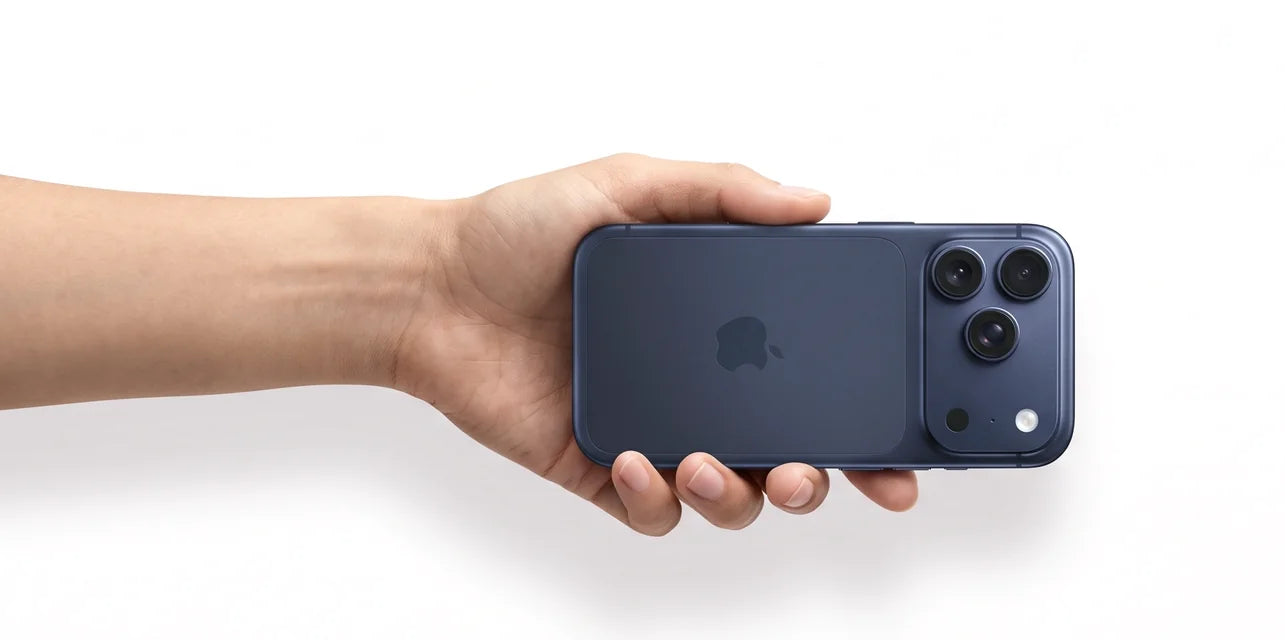
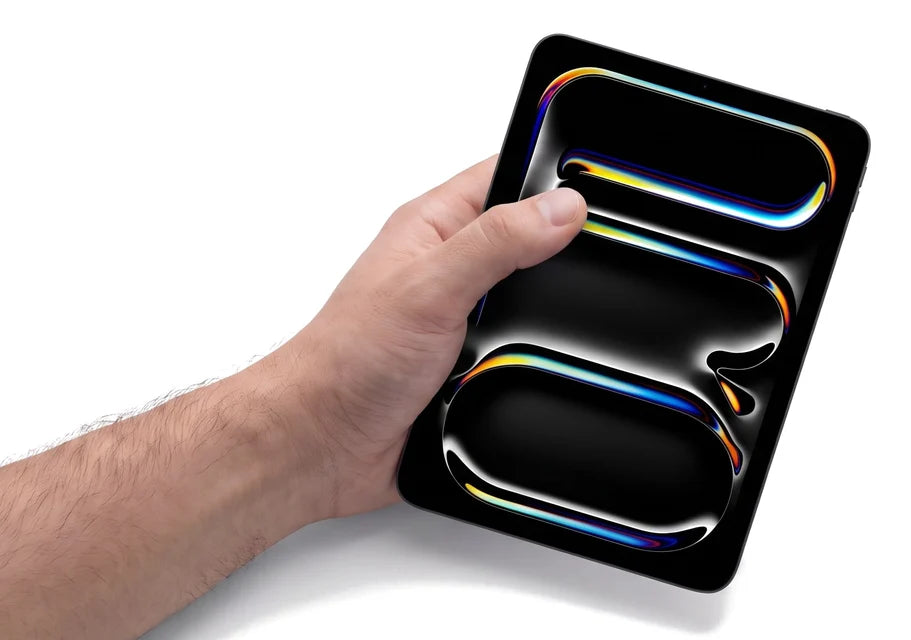
iPhone and iPad: turn off Activation Lock
- Settings > [your name] > Sign Out.
- Enter your Apple Account password. This turns off Find My and Activation Lock.
- Then erase: Settings > General > Transfer or Reset > Erase All Content and Settings.
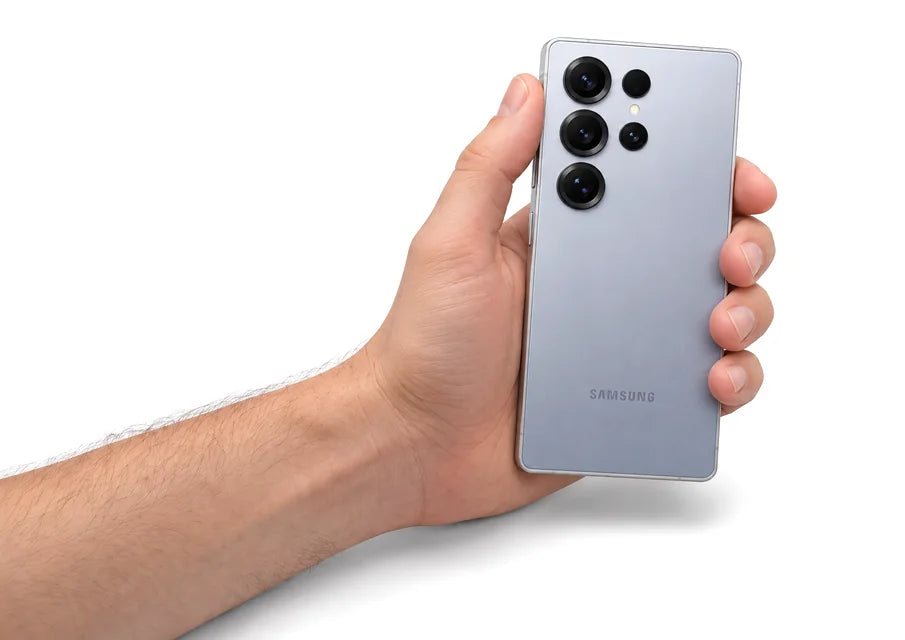
Samsung Galaxy: remove Google and Samsung accounts
Android phones have Factory Reset Protection. If a Google account is still on the phone when it's reset, the next person has to enter your Google password.
- Settings > Accounts and backup > Manage accounts. Remove every Google account.
- Remove your Samsung account too.
- Take out the microSD card. A reset doesn't erase it.
- Settings > General management > Reset > Factory data reset.
Google Pixel
- Settings > Passwords, passkeys and accounts. Remove your Google account.
- Settings > System > Reset options > Erase all data (factory reset).
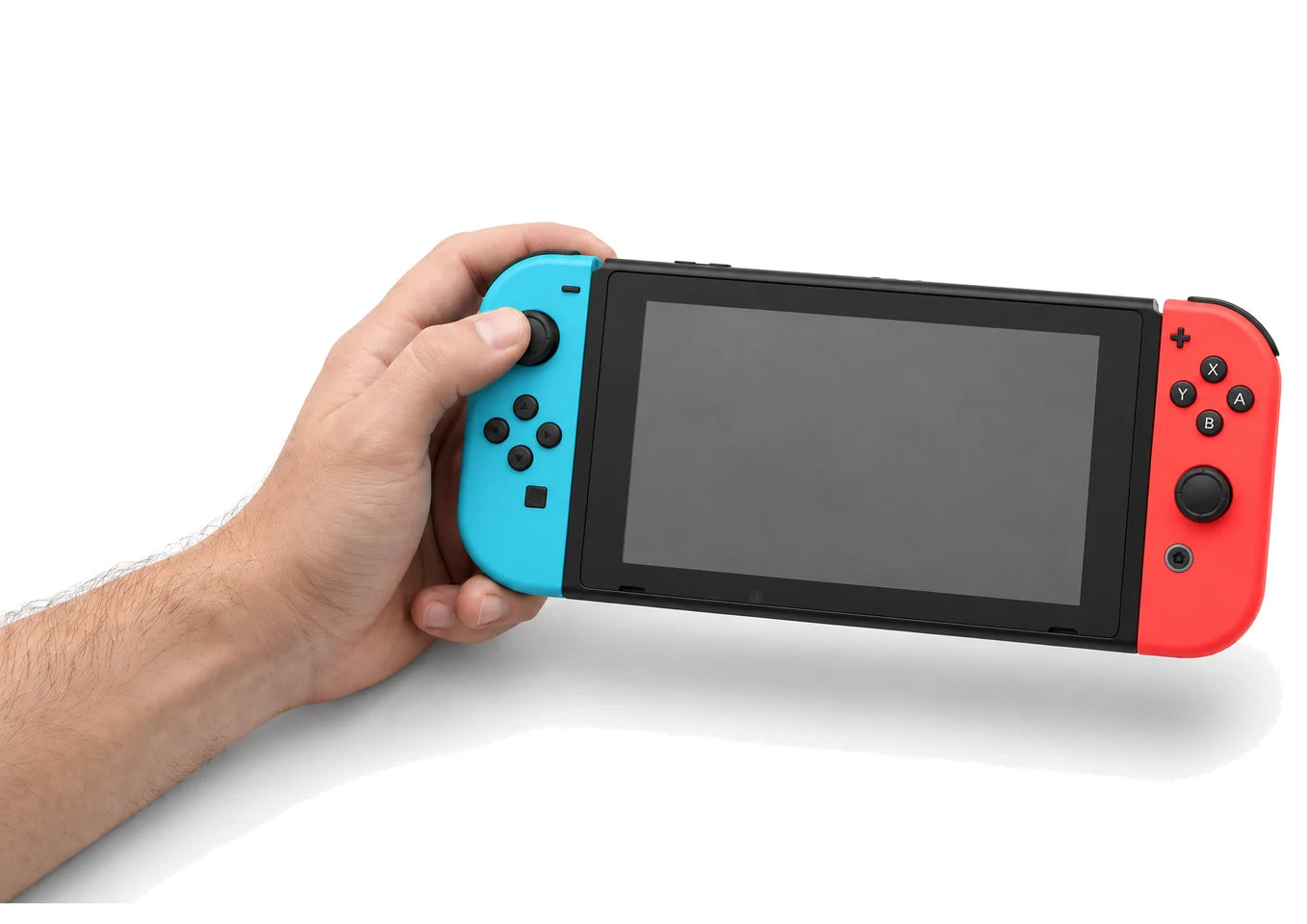
Nintendo Switch
Stay connected to the internet, then go to System Settings > System > Formatting Options > Initialize Console. This unlinks your Nintendo Account. Your games stay on your account. See Nintendo's guide.
PlayStation 5
Turn off Console Sharing and Offline Play under Settings > Users and Accounts, then reset the console under Settings > System > System Software > Reset Options.
Mac
Sign out of iCloud in System Settings, then go to General > Transfer or Reset > Erase All Content and Settings.
Forgot to sign out before shipping?
- Apple: iCloud.com > Find Devices > pick the device > Remove from Account.
- Google: myaccount.google.com > Security > Your devices > Sign out.
- Nintendo: unlink it from your Nintendo Account on Nintendo's website.
Signed out?
Get your offer and ship it free.
Related guides
Same tech, way less money
Every refurbished and pre-owned device is tested by real technicians, backed by up to a 1-year warranty and 14-day returns.