Laptops
iPad or MacBook for University? How to Choose (2026)
Whether an iPad or a MacBook makes more sense for university, by program, exams and note-taking, plus the two-device setup.
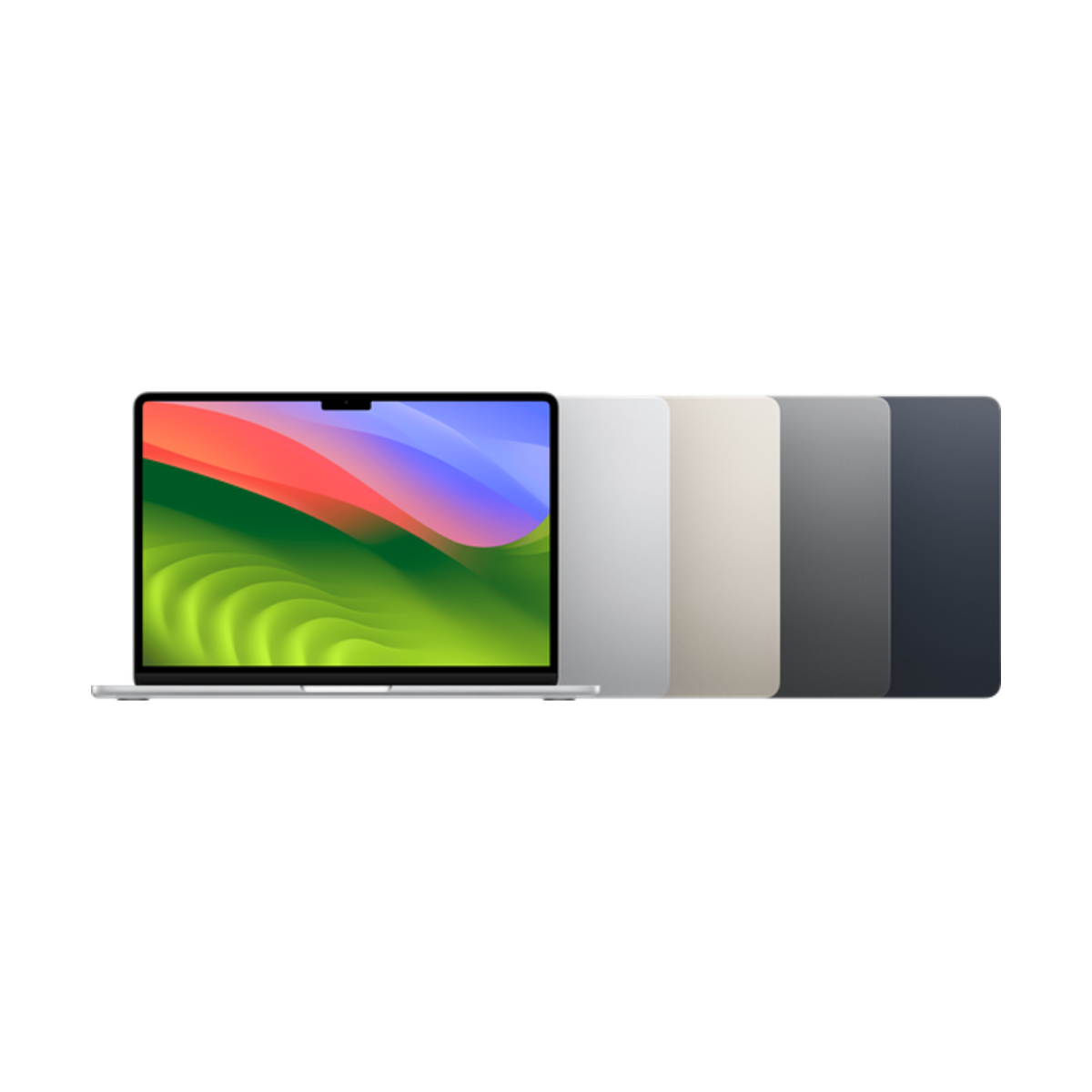
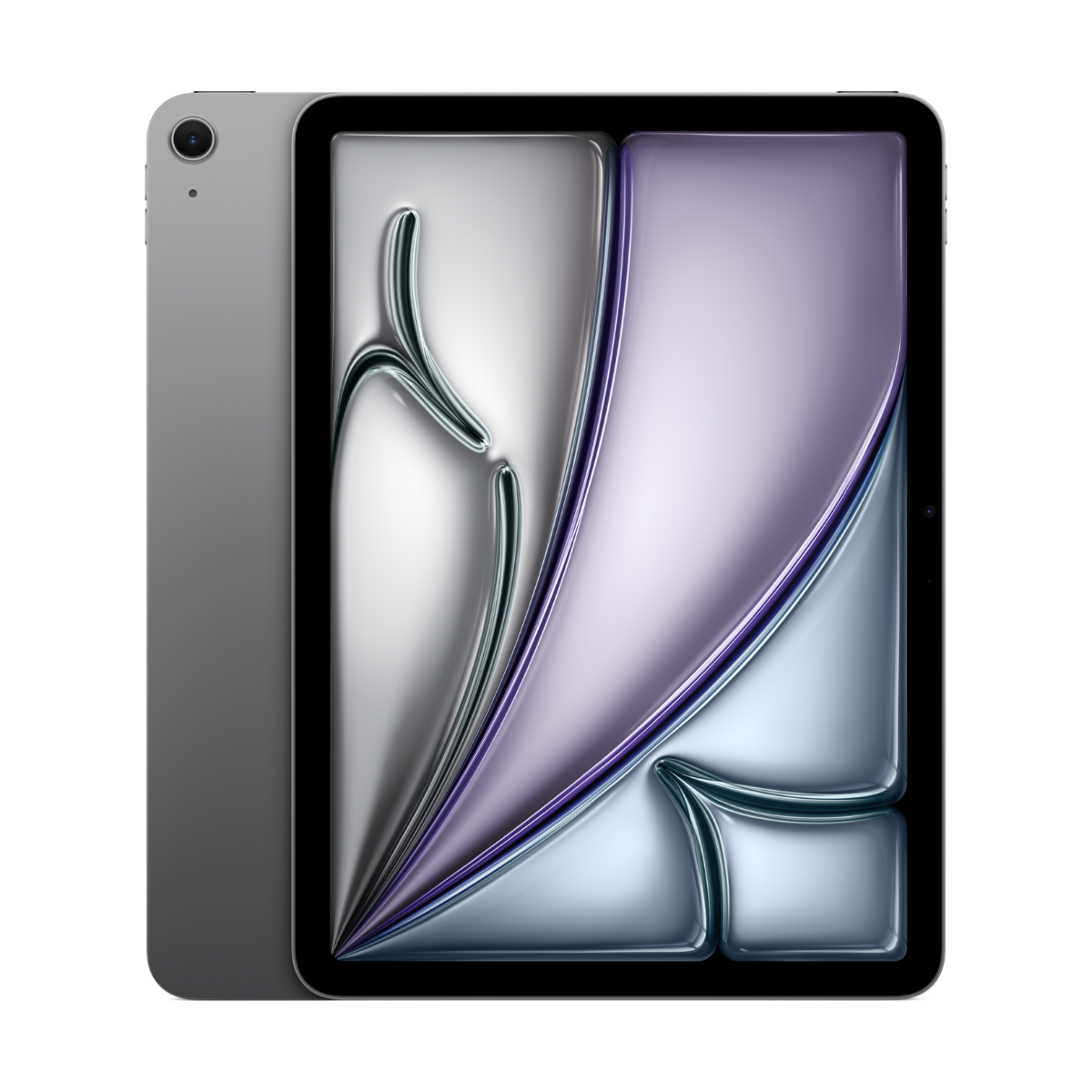
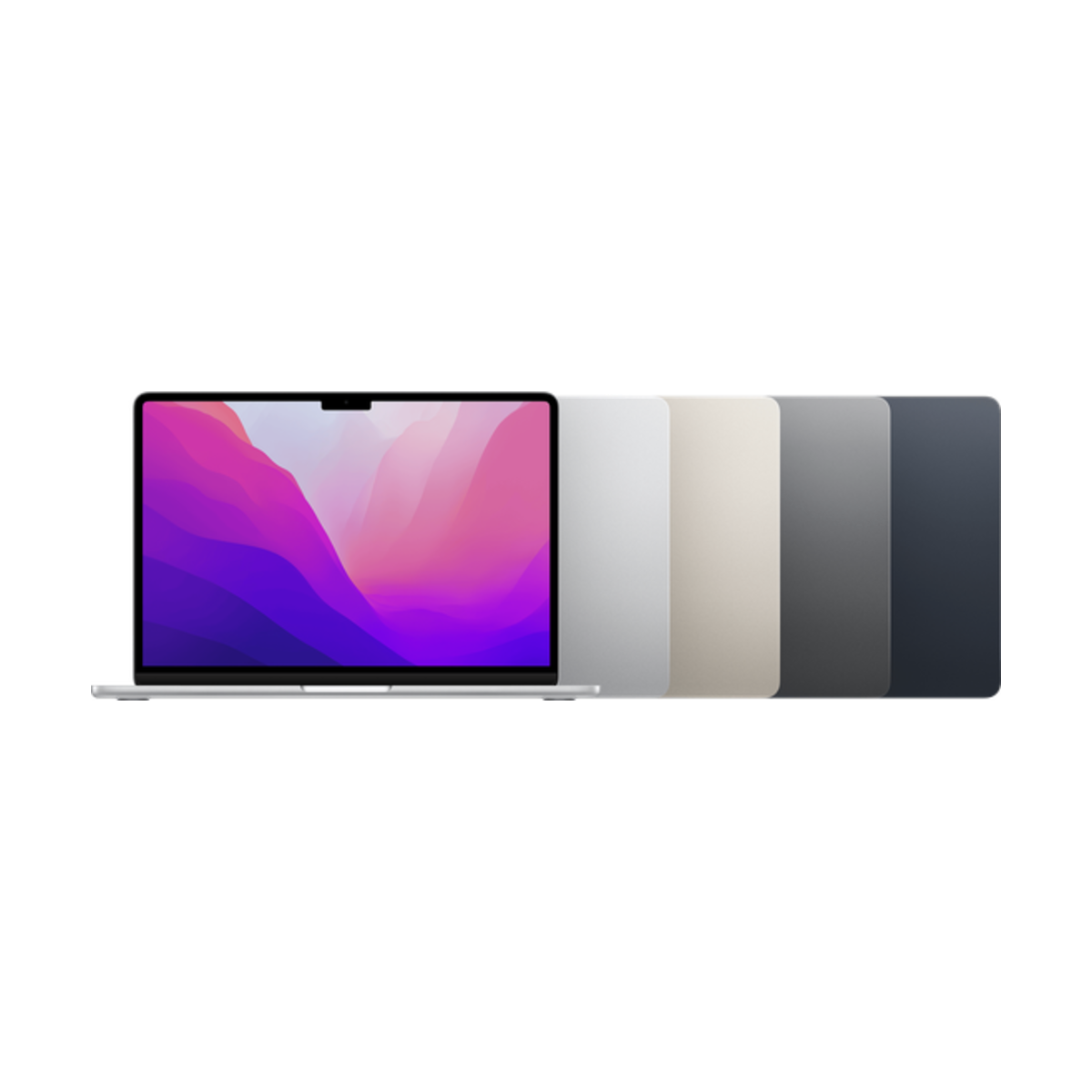
Get a MacBook if your courses need desktop software, online exam tools or a lot of typing. Get an iPad if most of your work is handwritten notes, readings and slides. If you can, the strongest setup is a MacBook Air for papers and exams plus a budget iPad for notes. If you can only buy one, most students should pick the MacBook Air.
Short answer
- Pick a MacBook for computer science, engineering, business, statistics, or any program with online proctored exams.
- Pick an iPad for handwriting-heavy courses: math, sciences, nursing, design, languages.
- Pick both if you can: a MacBook Air (M1 or M2) plus an iPad (A16) cover everything.
iPad vs MacBook for school, side by side
| iPad Air 11-inch (M3) + keyboard | MacBook Air 13-inch (M3) | |
|---|---|---|
| Handwritten notes | Excellent with Apple Pencil | Not possible |
| Typing long essays | Good with a keyboard case | Excellent |
| Desktop apps (R, SPSS, MATLAB, IDEs) | Limited, web versions only | Full support |
| Online exam and proctoring tools | Often not supported | Usually supported |
| Annotating PDFs and slides | Excellent | Good |
| Multitasking | Split View and Stage Manager | Full windows, multiple desktops |
| Weight | About 460 g (iPad only) | About 1.24 kg |
| Apple Intelligence | Yes | Yes |
| Software updates | iPadOS 27 | macOS 27 |
| Price today | $779.99 | $1,056.99 |
Weights from Apple tech specs. Prices are today's live starting prices across grades, before accessories. Checked October 24, 2026.
When an iPad is enough
- Your courses are readings, lectures, slides and handwritten problem sets.
- Your school provides computer labs for any desktop-only software.
- Your exams are on paper or in a supervised lab.
- You want one light device for class and a TV-sized screen in residence.
When you need a MacBook
- You code, run statistics software, or use engineering or design programs.
- Your program uses online exams with lockdown or proctoring software. Check your course outline or the school's IT page.
- You write long essays and theses and want a real keyboard and trackpad.
- You want one device that handles every edge case for 4 years.
By program
| Program | Better first device | Why |
|---|---|---|
| Computer science, software engineering | MacBook | IDEs, terminals, compilers and containers need a desktop OS. |
| Engineering | MacBook (plus iPad if you can) | Desktop tools and exams on the laptop, handwritten problem sets on the iPad. |
| Math, physics, chemistry | iPad | Handwritten equations and diagrams. Labs cover the software. |
| Nursing and health sciences | iPad, plus lab computers for exams | Anatomy, flashcards and slide notes. See our nursing and med guide. |
| Business and commerce | MacBook | Excel, presentations and case write-ups. |
| Arts and humanities | Either | Long essays favour a MacBook; heavy reading and annotating favours an iPad. |
| Design, art, architecture | iPad Pro or both | Drawing on the iPad, layout and rendering on a laptop. |
The two-device setup
Many students run a laptop for writing and exams and a small iPad for notes. This is often the most comfortable way through a degree. One combination: a MacBook Air (M2) at $999.99 plus an iPad (A16) at $529.99. Notes sync between them through Goodnotes, Notability or Apple Notes.
 MacBook Air 13-inch (M3, 2024)
From $1,056.99Shop pre-owned →
MacBook Air 13-inch (M3, 2024)
From $1,056.99Shop pre-owned →
 iPad Air 11-inch (M3)
From $779.99Shop pre-owned →
iPad Air 11-inch (M3)
From $779.99Shop pre-owned →
 MacBook Air 13-inch (M2, 2022)
From $999.99Shop pre-owned →
MacBook Air 13-inch (M2, 2022)
From $999.99Shop pre-owned →
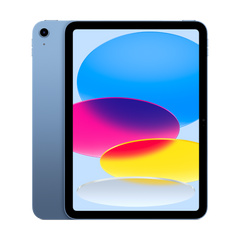 iPad (A16)
From $529.99Shop pre-owned →
iPad (A16)
From $529.99Shop pre-owned →
Questions people ask
Should I get an iPad or a MacBook for university?
A MacBook if you need desktop software, online exams or lots of typing. An iPad if you mostly take handwritten notes and read. If you can only have one, the MacBook Air is the safer choice.
Can an iPad replace a laptop for university?
For some programs, yes, with a keyboard. It struggles with desktop-only software and many online proctored exams, so check your courses first.
Is it worth having both an iPad and a MacBook?
If your budget allows it, yes. A MacBook for writing and exams plus an iPad for notes covers every course.
Which is better for note-taking?
The iPad, by far, because of Apple Pencil. See the best iPad for note-taking.
Do iPads work with university Wi-Fi?
Yes. iPads and MacBooks both work with eduroam and school Wi-Fi networks.
Ready to pick a model? See the best iPad for university students, the best MacBook for university students, or browse iPads and MacBooks.
Need a phone for school too? Take our 60-second phone finder or compare any two phones side by side.
Skip the new-phone price
Get the MacBook Air 13-inch (M3, 2024) pre-owned from $1,056.99, tested by real technicians with up to a 1-year warranty and 14-day returns.