Buying guide
Best MacBook for University Students in Canada (2026)
The best MacBooks for university students in Canada by budget and by program, and why every pick is M1 or newer.
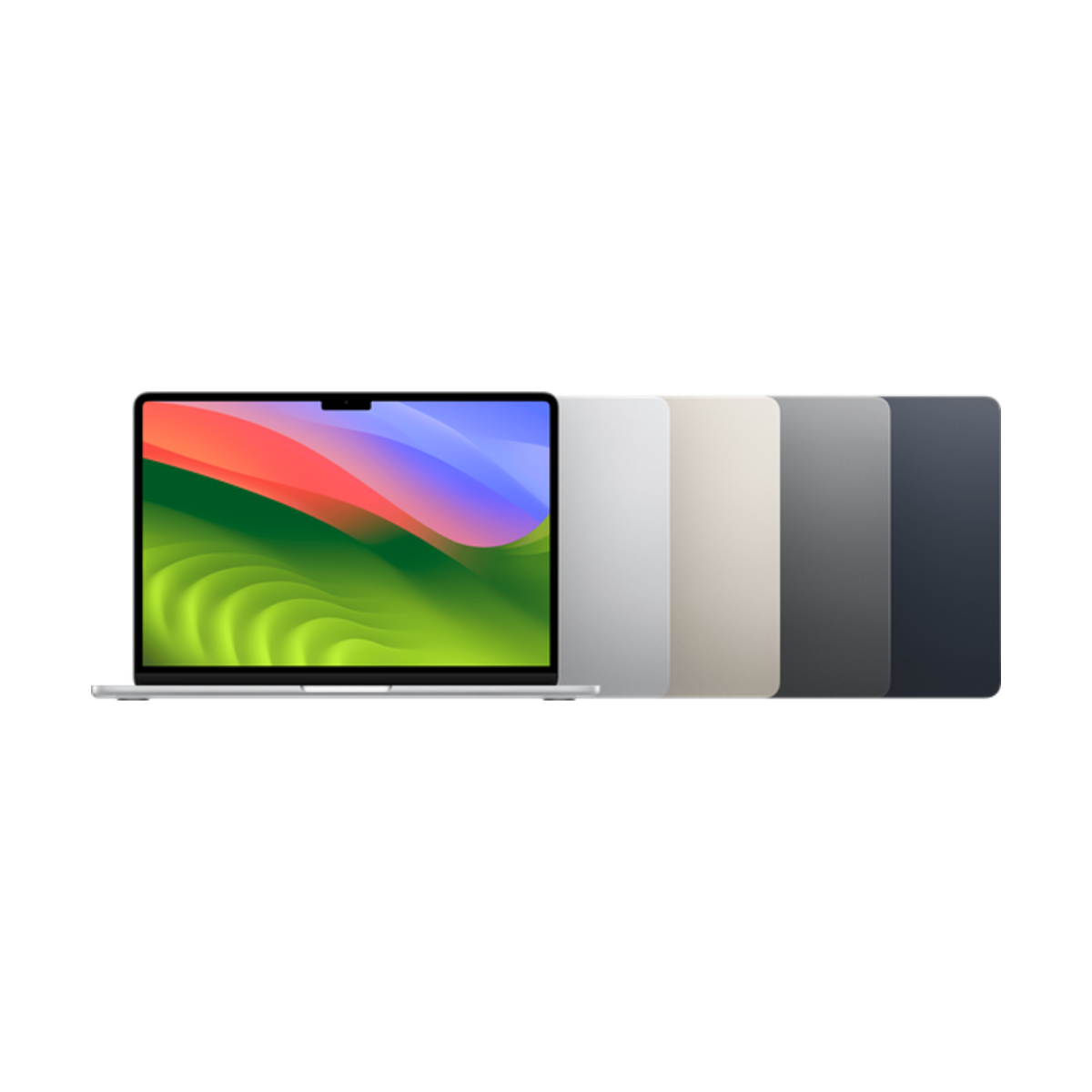
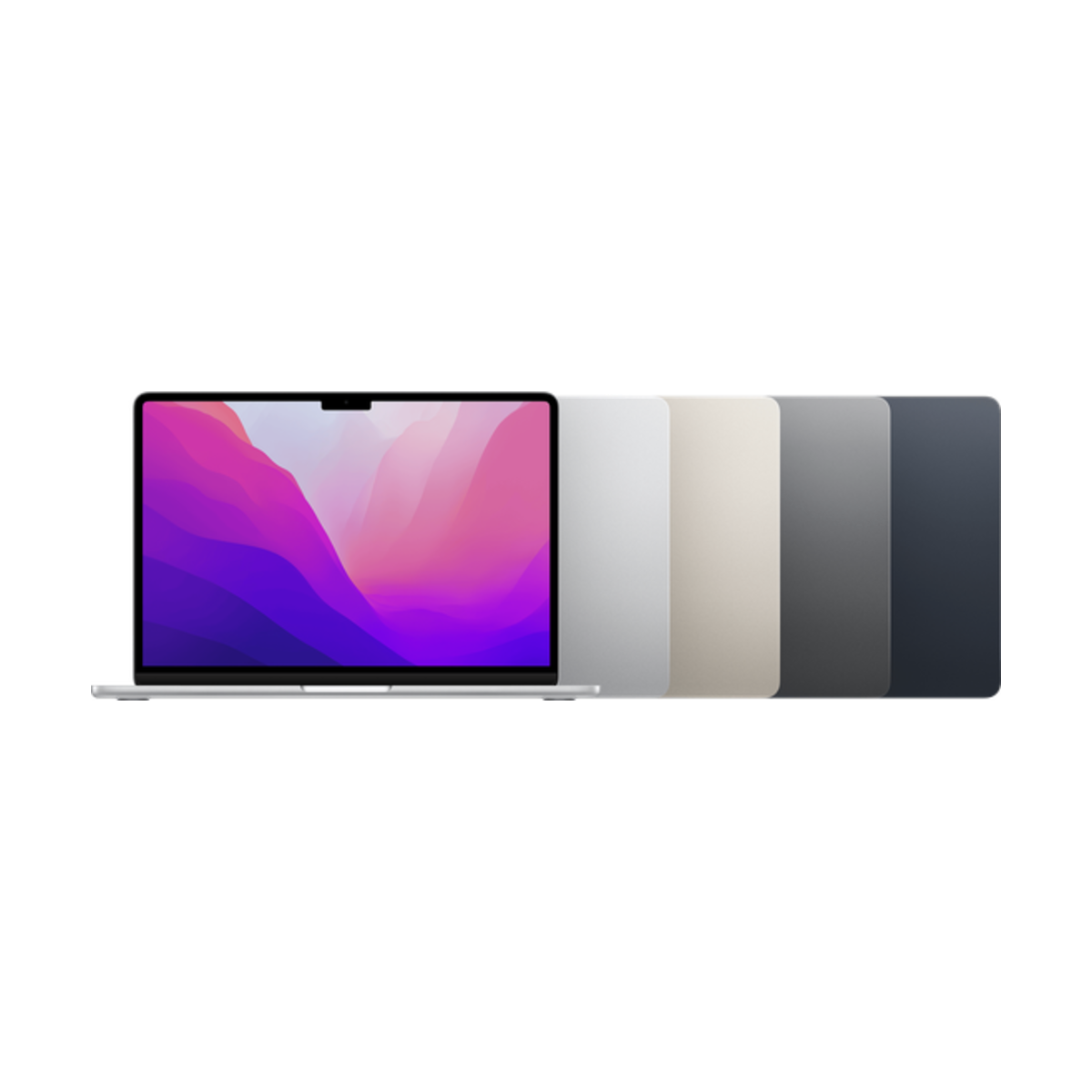

The best MacBook for most university students in Canada is the MacBook Air 13-inch (M3). On a budget, the MacBook Air (M2) or M1 still handle essays, research and Office well, and both run macOS 27 and Apple Intelligence. Film, 3D and heavy engineering work is where a MacBook Pro earns its fan. Skip Intel MacBooks: they do not get macOS 27.
Find your university MacBook
What will you run?
What matters most?
Our picks
- M3chip
- 13.6"screen
- 2external displays
Buy it if you want a MacBook Air that handles a full degree, from essays to coding and photo editing, with room for 2 external monitors.
Skip it if you need a fan for hours of video exports. Look at a MacBook Pro.
Why we picked it
The M3 Air is fanless and silent, light enough to carry to every class, and fast enough for coding, Office, Zoom and photo editing. It can drive 2 external displays with the lid closed, handy for a desk setup in residence. It runs macOS 27 and Apple Intelligence.
- M2chip
- MagSafecharging
- 1080pcamera
Buy it if you want the modern Air design with MagSafe charging and a 1080p camera, for essays, research and everyday school work.
Skip it if you plan to run 2 external monitors. The M2 Air supports 1.
Why we picked it
The M2 Air brought the thin, flat design, a 13.6-inch screen, MagSafe charging and a 1080p camera. For essays, research, Office and Zoom it feels just as quick as the newer models.
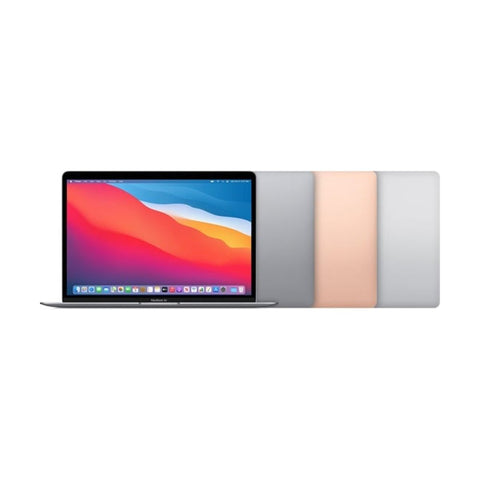
- M1chip
- Fanlesssilent
- macOS 27supported
Buy it if you need a reliable Mac for writing, browsing and Office on a tight budget, and still want Apple Intelligence and macOS 27.
Skip it if webcam quality matters for online classes. The M1 camera is 720p.
Why we picked it
The M1 Air started the Apple silicon era and still runs macOS 27 and Apple Intelligence. For writing, research and streaming it is still quick. It charges over USB-C and has 2 ports, so plan on a small adapter.
Compare the picks
| MacBook | Screen | Chip | Ports | Camera | From |
|---|---|---|---|---|---|
| MacBook Air 13-inch (M3, 2024) | 13.6-inch | M3 | 2 Thunderbolt / USB 4 + MagSafe | 1080p | $1,056.99 |
| MacBook Air 13-inch (M2, 2022) | 13.6-inch | M2 | 2 Thunderbolt / USB 4 + MagSafe | 1080p | $999.99 |
| MacBook Air 13-inch (M1, 2020) | 13.3-inch | M1 | 2 Thunderbolt / USB 4 | 720p | $849.99 |
macOS 27 support from apple.com/ca/os/macos (Mac laptops with Apple silicon, 2020 and later). Specs from Apple's tech specs pages. Checked October 24, 2026. "From" is today's live starting price across grades.
Before you buy
Avoid Intel MacBooks for school. macOS 27 only supports Macs with Apple silicon (M1 and later). Intel MacBooks stay on macOS Tahoe 26, get no Apple Intelligence, and some school apps will stop supporting them during your degree.
When a MacBook Pro or 15-inch Air makes sense
The Air handles almost every degree. A MacBook Pro 14-inch adds a fan for long video exports and big code builds, a 120Hz XDR screen, HDMI and an SD card slot. A 15-inch MacBook Air gives you a bigger screen without the Pro weight. Both come and go in our stock, so check every refurbished MacBook for what is available today.
Best MacBook by program
| Program | Our pick | Why |
|---|---|---|
| Arts, humanities, business, law | Air (M2) or Air (M3) | Writing, research and Office. Any Air is fast enough. |
| Nursing and health sciences | Air (M3) | Long battery for placements and online exams. Check your program's exam software needs. |
| Computer science | Air (M3) or a MacBook Pro | Pro if you run containers, virtual machines or big builds. |
| Engineering | Air (M3) or a MacBook Pro | Some engineering software is Windows-only, so ask your faculty first. Cloud versions often work. |
| Film, design, architecture | A MacBook Pro | 120Hz XDR screen, HDMI and SD card slot, and a fan for long exports. |
What to check before you buy
- Apple silicon only. M1 or newer. Every MacBook in our picks runs macOS 27.
- Storage. 256GB is fine with cloud storage. Pick 512GB if you edit video or keep big datasets.
- Your program's software list. Some engineering and statistics courses use Windows-only programs. Most schools offer cloud or lab access.
- Exam and proctoring software. Online exams often need a Mac or Windows laptop rather than an iPad. A MacBook covers this.
- Free software through your school. Many Canadian universities give students Microsoft 365 free with a school email. Check before paying for Office.
MacBook or iPad for school?
A MacBook runs every desktop app and exam tool your courses might need. An iPad wins for handwritten notes. Many students end up with a MacBook and a budget iPad, or an iPad with a keyboard and lab computers for the rest. We compare both in iPad or MacBook for university.
Every device we sell is inspected, repaired and graded by our own technicians, factory reset, and covered by a warranty of 90 days to 1 year depending on grade, with 14-day returns. Grades describe looks only: Fair has visible scratches, Good has light signs of use, Excellent has hairline marks at most and Premium looks like new.
Questions people ask
What is the best MacBook for university students?
The MacBook Air 13-inch (M3) for most students, the Air (M1 or M2) on a budget, and a MacBook Pro for film, 3D and heavy engineering work.
Is the MacBook Air M1 still good for university in 2026?
Yes for writing, research and Office. It runs macOS 27 and Apple Intelligence. Its weak points are the 720p webcam and support for only 1 external display.
Is 256GB enough for a student MacBook?
For most students, yes, if you use cloud storage. Choose 512GB for video editing, music production or big datasets.
MacBook Air or MacBook Pro for university?
The Air for almost everyone. The Pro is worth it only if you run heavy software for hours, since its fan keeps it fast under long loads.
Will an Intel MacBook work for school?
It will work today, but Intel Macs stay on macOS Tahoe 26 and miss macOS 27 and Apple Intelligence. Over a 4-year degree, apps will drop support. Choose an M1 or newer.
Can I run Windows software on a MacBook?
Many Windows apps have Mac or web versions. For the rest, schools usually offer virtual labs or remote desktops.
Does a refurbished MacBook come with a warranty?
Yes. Ours come with a warranty of 90 days to 1 year depending on grade and 14-day returns.
Still choosing? Read which MacBook you should buy, MacBook Air vs MacBook Pro, our refurbished MacBook checklist, or see every refurbished MacBook.
Need a phone for school too? Take our 60-second phone finder or compare any two phones side by side.
Skip the new-phone price
Get the MacBook Air 13-inch (M3, 2024) pre-owned from $1,056.99, tested by real technicians with up to a 1-year warranty and 14-day returns.