Buying guide
Best Tablet for Kids in Canada (2026): iPad and Android Picks
The best tablets for kids in Canada by age and budget, how to set up free parental controls, and why a refurbished iPad beats a toy tablet.
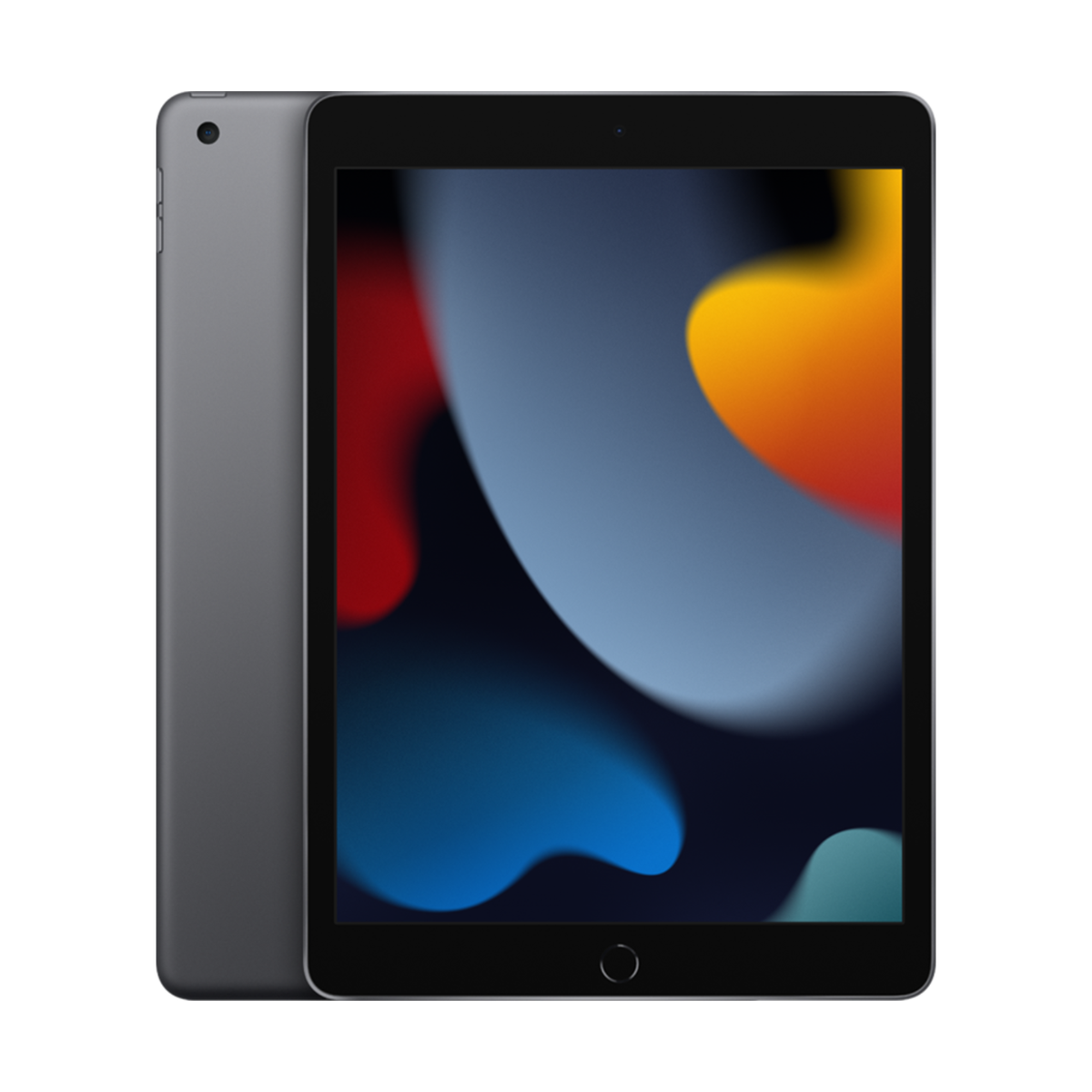

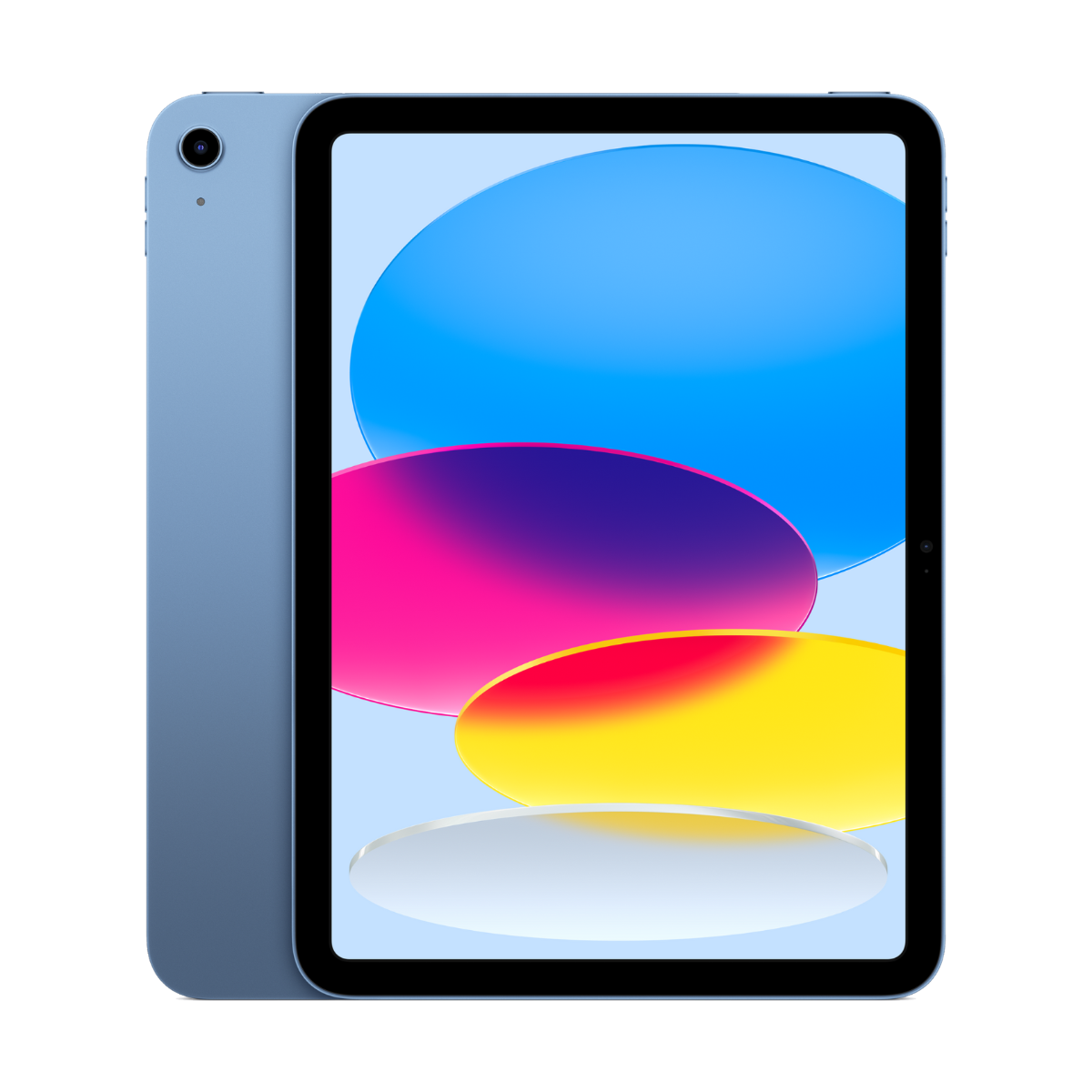
The best tablet for most kids in Canada is a refurbished iPad: the iPad (9th gen) for younger kids, because of its Home button and headphone jack, or the iPad (10th gen) for school-age kids. For Android families, the Galaxy Tab A9+ is the budget pick and the Galaxy Tab S9 FE is the tough one, with IP68 water resistance. All of them have free parental controls built in.
Find the right kids tablet in 3 taps
iPad or Android?
How old is your child?
What matters most?
Our picks
- 10.2"screen
- Homebutton
- 3.5 mmheadphone jack
Buy it if your child is under 10 and you want the simplest iPad: a Home button, a headphone jack for wired headphones and iPadOS 27.
Skip it if they will use it for school work for years. A newer iPad will stay supported longer.
Why we picked it
The Home button is the easiest way for young kids to get back to the start, and the headphone jack means cheap wired kids headphones just work. It runs iPadOS 27, so Screen Time, Ask to Buy and Downtime all work.

- 11"screen
- 90Hzdisplay
- Kidsmode built in
Buy it if you want a big-screen Android tablet for videos, games and learning apps on a tight budget.
Skip it if your child needs a pen for school. The A9+ has no pen support.
Why we picked it
Samsung Kids gives younger children their own locked-down home screen with approved apps, and Google Family Link handles screen time for older kids. The 11-inch 90Hz screen is great for video.
- 10.9"screen
- USB-Ccharging
- A14chip
Buy it if your child is 8 or older and uses the iPad for school apps, reading and games.
Skip it if they are a toddler. The 9th gen with a Home button is easier for small kids.
Why we picked it
A modern all-screen iPad with USB-C, a landscape front camera for video calls with grandparents, and Touch ID in the top button. It runs iPadOS 27.
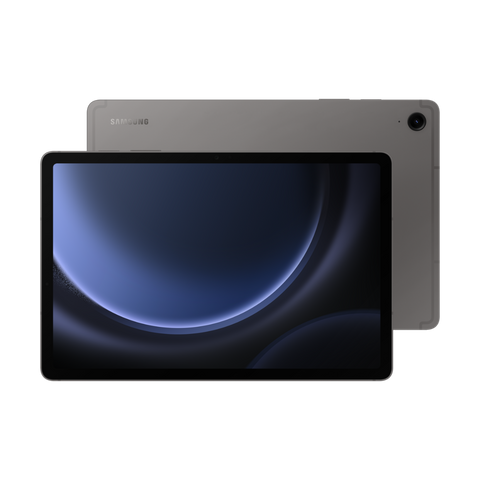
- IP68water resistant
- S Pensupport
- 10.9"screen
Buy it if you want a tablet that survives a spilled juice or a trip to the beach.
Skip it if you need a pen-free, simple tablet for a toddler. The Tab A9+ with Samsung Kids is simpler.
Why we picked it
IP68 water and dust resistance is rare on tablets, and very useful with kids. It also supports the S Pen for drawing and homework.
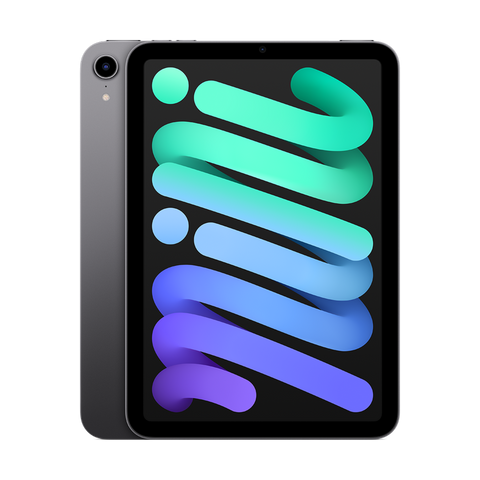
- 8.3"screen
- 293 gweight
- USB-Ccharging
Buy it if you want a tablet small kids can hold easily, for car rides and flights.
Skip it if it is for school work with a keyboard. The screen is small for typing.
Why we picked it
Easy to hold in small hands, fits in a backpack pocket, and it is fast enough for every kids app and game. It supports Apple Pencil (2nd gen) for drawing.
Compare the picks
| Tablet | Screen | Unlock or water rating | Pen | From |
|---|---|---|---|---|
| iPad (9th gen) | 10.2-inch | Touch ID (Home button) | Apple Pencil (1st gen) | $299.99 |
| Galaxy Tab A9+ | 11-inch, 90Hz | No water rating | No pen support | $249.99 |
| iPad (10th gen) | 10.9-inch | Touch ID (top button) | Apple Pencil (USB-C) or 1st gen with adapter | $429.99 |
| Galaxy Tab S9 FE | 10.9-inch, 90Hz | IP68 water resistance | S Pen support | $449.99 |
| iPad mini (6th gen) | 8.3-inch | Touch ID (top button) | Apple Pencil (2nd gen) | $509.99 |
iPad specs and iPadOS 27 support from apple.com/ca, Samsung specs from samsung.com/ca. Checked October 24, 2026. "From" is today's live starting price across grades.
Why not a toy tablet?
Kids tablets sold as toys often have slow chips, dim screens and a short life of app updates, and many families replace them within a year. A refurbished iPad or Galaxy Tab runs every mainstream kids app, gets real security updates, and can be handed down or resold later. Add a thick kids case and it survives the same drops.
Parental controls that come free
- Create an Apple Account for your child in Settings, your name, Family.
- Turn on Ask to Buy so downloads need your OK.
- In Screen Time, set Downtime, App Limits and Content and Privacy Restrictions.
- Turn on Screen Distance to warn kids when they hold the iPad too close.
- Use Guided Access to lock the iPad into one app for toddlers.
- Open Samsung Kids from the quick panel for a locked kids home screen.
- Pick the apps your child can use and set a daily play time.
- For older kids, use Google Family Link to approve apps and set screen time.
- Use Digital Wellbeing to see how long each app is used.
What to look for
- Updates. All the iPads here run iPadOS 27. Avoid tablets that no longer get security updates.
- Storage. 64GB is enough for streaming and a handful of games. Downloaded movies for road trips need more.
- A kids case. A thick foam case with a handle prevents most cracked screens. It matters more than the tablet you pick.
- Headphones. Volume-limited kids headphones protect hearing. The iPad (9th gen) has a headphone jack; the others need Bluetooth or a USB-C adapter.
- Wi-Fi only. Kids rarely need cellular. Wi-Fi models avoid surprise data use.
Grade tip: a kids tablet will collect scratches anyway, so a Fair or Good grade makes sense. It works exactly like a Premium one. Every device we sell is inspected, repaired and graded by our own technicians, factory reset, and covered by a warranty of 90 days to 1 year depending on grade, with 14-day returns. Grades describe looks only: Fair has visible scratches, Good has light signs of use, Excellent has hairline marks at most and Premium looks like new.
Questions people ask
What is the best tablet for kids in Canada?
A refurbished iPad (9th gen) for younger kids, the iPad (10th gen) for school-age kids, or the Galaxy Tab A9+ for Android families on a budget.
Is an iPad or Android tablet better for kids?
Match the family. iPads have the widest kids app library and Screen Time. Galaxy tablets have Samsung Kids built in and options like IP68 water resistance.
What age should a child get a tablet?
Many families start with supervised use around 3 to 5 and give more independence around 8 to 10. Parental controls let you adjust as they grow.
Is the iPad (9th gen) still good in 2026?
Yes for kids. It runs iPadOS 27 and every major kids app. It does not support Apple Intelligence, which kids do not need.
Do kids need a cellular tablet?
Usually not. Wi-Fi is enough at home, and you can hotspot from your phone in the car.
How do I stop my child buying apps?
On iPad, turn on Ask to Buy in Family Sharing. On Android, use Google Family Link to approve purchases.
Which tablet survives water?
The Galaxy Tab S9 FE is rated IP68 for water and dust. iPads have no water rating, so use a case.
Buying a phone instead? See the best first phones for kids, or a watch in the best Apple Watch for kids. Browse every refurbished iPad.
Need a phone for school too? Take our 60-second phone finder or compare any two phones side by side.
Évitez le prix du neuf
Procurez-vous le iPad (9e génération) d'occasion à partir de $299.99, testé par de vrais techniciens, avec une garantie de 90 jours à 1 an selon l'état et des retours sous 14 jours.