How-to
How to Factory Reset Any Google Pixel (Pixel 3 to Pixel 11)
The Settings steps, how to avoid the FRP lock, and the Fastboot and restart buttons for every Pixel from the Pixel 3 to the Pixel 11.
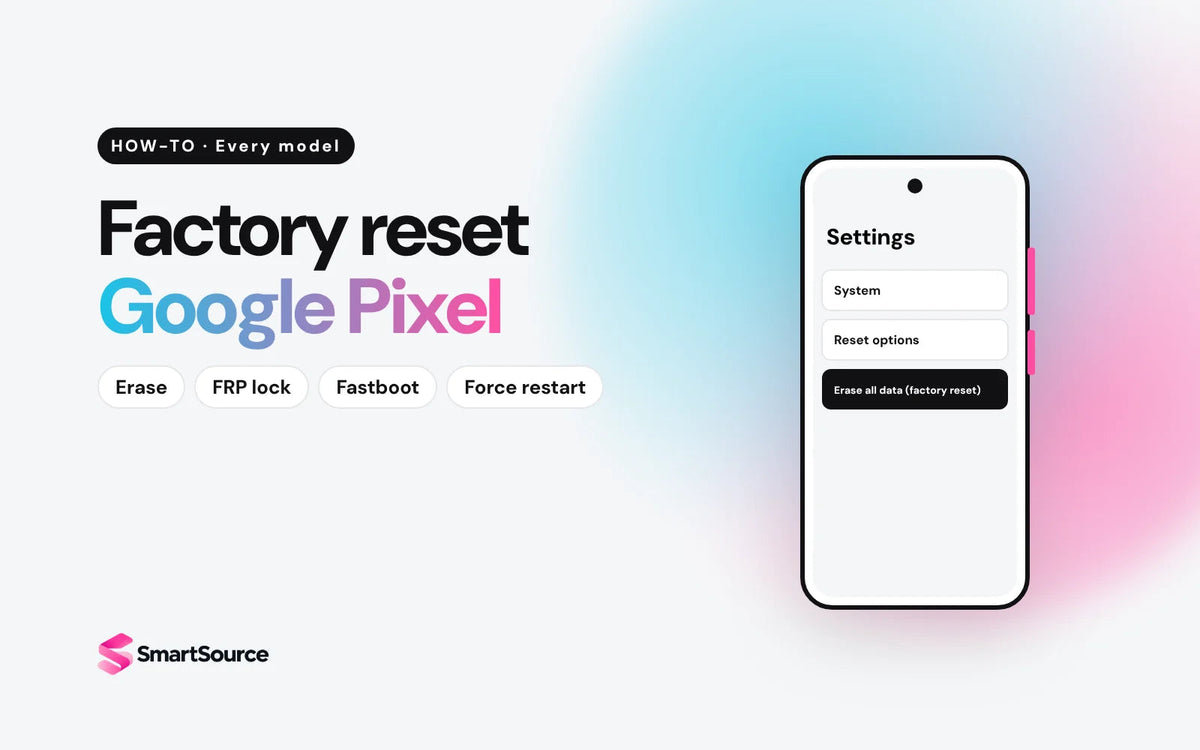
On any Pixel, go to Settings → System → Reset options → Erase all data (factory reset), tap Erase all data, enter your PIN, and confirm. Selling it? Remove your Google account first so the next owner isn't locked out.
Factory reset your Google Pixel
First, 3 quick checks
-
Back up your phone. A reset deletes everything.
How
Check what's saved in Settings → Google services → Backup. Photos, videos and contacts sync to their own Google apps, so make sure those are on too. You restore it all during setup on the next phone.
-
Remove your Google account if you're selling. This turns off Google's anti-theft lock (FRP).
How
Google calls this lock "device protection". Removing your Google account from the phone turns it off. With it on, the phone asks for your Google password after a reset. Removing the account also deletes that phone's backup, so back up first.
- Changed your Google password today? Wait 24 hours before you reset. Google asks for this.
- Open Settings → System.
- Tap Reset options → Erase all data (factory reset).
- Tap Erase all data.
- Enter your PIN, pattern or password.
- Tap Erase all data again to confirm.
- Wait for the phone to restart to the setup screen. Done.
Trading it in or selling it? Google says to use this Settings reset, not the button method below.
Find your Pixel
The steps above work on every Pixel. These are the parts that change. Not sure which model you have? Settings → About phone shows the model name.
| Model | Fastboot buttons | SIM (Canadian models) | Updates until | Sell it |
|---|---|---|---|---|
| Pixel 3, 3 XL | Vol Up + Power | SIM card | Ended | Pixel |
| Pixel 3a, 3a XL | Vol Up + Power | SIM card + eSIM | Ended | Pixel |
| Pixel 4, 4 XL, 4a, 4a (5G) | Vol Up + Power | SIM card + eSIM | Ended | Pixel |
| Pixel 5, 5a (5G) | Vol Up + Power | SIM card + eSIM | Ended | Pixel |
| Pixel 6, 6 Pro | Vol Down + Power | SIM card + eSIM | Oct 2026 | Pixel |
| Pixel 6a | Vol Down + Power | SIM card + eSIM | Jul 2027 | Pixel |
| Pixel 7, 7 Pro | Vol Down + Power | SIM card + eSIM | Oct 2027 | 7, 7 Pro |
| Pixel 7a | Vol Down + Power | SIM card + eSIM | May 2028 | 7a |
| Pixel Fold | Vol Down + Power | SIM card + eSIM | Jun 2028 | Fold |
| Pixel 8, 8 Pro | Vol Down + Power | SIM card + eSIM | Oct 2030 | 8, 8 Pro |
| Pixel 8a | Vol Down + Power | SIM card + eSIM | May 2031 | 8a |
| Pixel 9, 9 Pro, 9 Pro XL, 9 Pro Fold | Vol Down + Power | SIM card + eSIM | Aug to Sep 2031 | 9, 9 Pro, 9 Pro XL, 9 Pro Fold |
| Pixel 9a | Vol Down + Power | SIM card + eSIM | Apr 2032 | 9a |
| Pixel 10, 10 Pro, 10 Pro XL, 10 Pro Fold | Vol Down + Power | SIM card + eSIM | Aug to Oct 2032 | 10, 10 Pro, 10 Pro XL, 10 Pro Fold |
| Pixel 10a | Vol Down + Power | SIM card + eSIM | Mar 2033 | 10a |
| Pixel 11, 11 Pro, 11 Pro XL, 11 Pro Fold | Vol Down + Power | SIM card + eSIM | Aug 2033 | 11, 11 Pro, 11 Pro XL, 11 Pro Fold |
Google promises 5 years of updates for the Pixel 6, 6a, 7, 7a and Fold, and 7 years for the Pixel 8 and later, counted from when each phone first went on sale on the US Google Store. The months are our count from Google's dates. Pixel 5a and earlier no longer get updates.
Selling it? Take out the SIM card. Canadian Pixel 10 and 11 models still have a SIM tray (US models are eSIM only). Using an eSIM? Erase it before the reset: Settings → Network & internet → Mobile network → select the eSIM → Erase eSIM. Erasing it doesn't cancel your plan, so call your carrier if you're ending service.
Forgot your PIN? Reset with the buttons
You can erase it with the buttons. Everything on it is lost. Afterward, setup asks for the Google account that was on it, so have that password ready.
- Turn the phone off.
- Hold the Fastboot buttons for your model (below) for up to 30 seconds, until the Fastboot mode screen shows. If the phone restarts, you held too long. Start again.
- Press the volume keys until Recovery Mode shows. Press Power to select it.
- At the No command screen, hold Power, tap Volume Up once, then let go of both.
- Use the volume keys to pick Wipe data/factory reset. Press Power.
- Pick Factory data reset. Press Power.
- When you see Data wipe complete, pick Reboot system now.
Fastboot buttons: Pixel 6 and later, including Fold
- Hold Volume Down and Power together.
- Let go when the Fastboot mode screen appears (up to 30 seconds).
Fastboot buttons: Pixel 5a and earlier
- Hold Volume Up and Power together.
- Let go when the Fastboot mode screen appears (up to 30 seconds).
The button reset turns on Google's FRP lock. After it, setup asks for the Google account that was on the phone. Without that password, the phone can't be used. That's why Google says to reset from Settings when you can.
Frozen? Force restart
A force restart deletes nothing. It works the same on every Pixel.
- Hold the Power button for up to 60 seconds.
- Let go when the G logo appears.
Not frozen, just want to restart? On Pixel 6 and later, hold Power + Volume Up for a few seconds and tap Restart. On Pixel 5a and earlier, hold Power for about 30 seconds.
Already sold it? Erase it remotely
Handed it over without resetting? Erase it from any browser with Google's Find Hub:
- Go to google.com/android/find and sign in.
- Select the phone, then Factory reset.
- Change your Google password. If you used Google Wallet, remove your cards too.
The phone has to be on and online. After the reset it drops out of Find Hub, and setup still asks for your Google password. Can't reach the phone? Sign it out at myaccount.google.com → Security → Your devices.
Selling it? Run this checklist
Get an instant price on our Sell your Pixel page, or use the "Sell it" links in the table above. We email you a prepaid shipping label.
Upgrading?
Pixel 5a and earlier no longer get updates, and the Pixel 6 reaches the end of its 5 years this month. Pixel 8 and later get 7 years. Every phone we sell is unlocked, tested and has up to a 1-year warranty.

Common questions
Does a factory reset remove FRP?
No. A reset leaves FRP on if a Google account is still on the phone. Remove the Google account before the reset and FRP stays off.
How long after changing my Google password can I reset?
Wait 24 hours. Google says to wait that long after a password reset before you factory reset.
Does a factory reset update my Pixel?
No. It keeps the Android version that's installed. Update separately before or after the reset.
Do I need to erase my eSIM?
Yes, if you're selling. Erase it in Settings before the reset. It doesn't cancel your plan with your carrier.
Does a factory reset remove a carrier lock?
No. In Canada, your carrier must unlock the phone for free when you ask (CRTC Wireless Code).
Settings or the buttons: which is better?
Settings. Google says to use it for trade-ins. Use the Fastboot button method only when you can't get into the phone.
Sources
Every step was checked against Google's Pixel help pages (unlocking: CRTC) on October 18, 2026. Menu names can change with Android updates.
- Reset your Pixel phone to factory settings (Google)
- Reset your Pixel phone manually with Fastboot mode (Google)
- Device protection on your Pixel phone (Google)
- Turn your Pixel phone on, off or restart it (Google)
- Learn when you'll get Android updates on Pixel phones (Google)
- When Pixel phones first went on sale (Google)
- Use an eSIM or physical SIM on your Pixel (Google)
- Pixel 10 tech specs, Canada: Dual SIM (Google Store)
- Pixel 11 tech specs, Canada: Dual SIM (Google Store)
- Find, lock, or erase a lost Android device (Google)
- Back up or restore data on your Pixel phone (Google)
- The Wireless Code, simplified (CRTC)
Évitez le prix du neuf
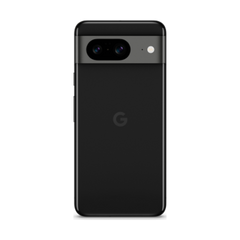
Procurez-vous le Google Pixel 8 d'occasion à partir de $359.00, testé par de vrais techniciens, avec une garantie d'un an et des retours sous 14 jours.