
Canada-wide buyback program

Samsung trade-in value vs. cash.

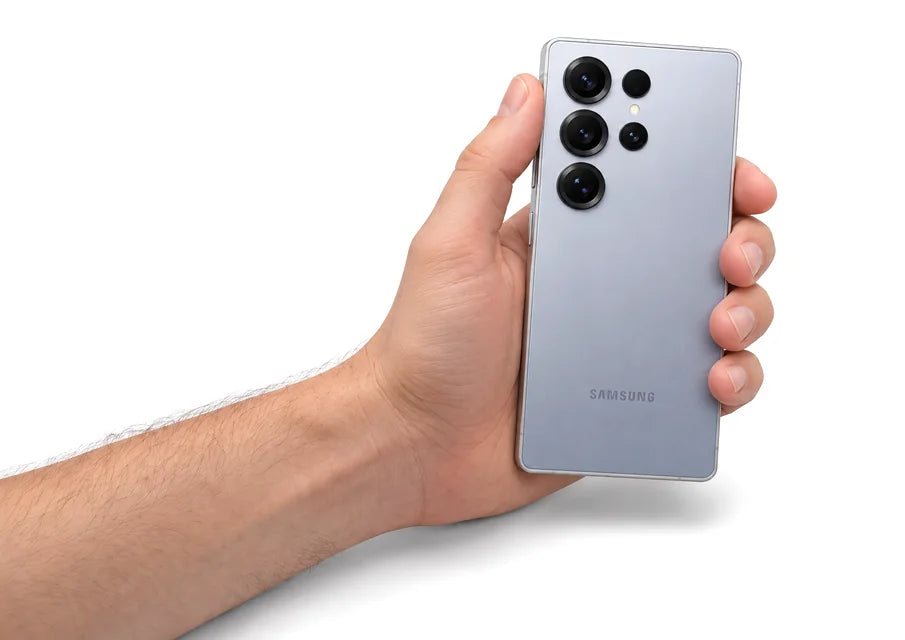
Samsung's trade-in takes the value off a new Galaxy. We pay cash by Interac e-Transfer, no new phone needed. Compare both before you trade.

4.8★★★★★from 932 trade-in reviews

  • Free labelScan at Canada Post
  • e-Transfer24h–2 days
  • 14DAYS 14-day lockQuote stays valid
  • 2K+ 2,000+ customersTrusted across Canada

Samsung trade-in vs selling for cash

Samsung's trade-in program next to selling your Galaxy to us for cash.

Compare SamsungSamsung Trade-in SmartSource Cash offer
How you get paid SamsungCredit off a new Galaxy at checkout SmartSourceInterac e-Transfer to your bank
How fast SamsungCondition check takes about 5 to 10 business days after it arrives SmartSource24 hours to 2 business days after we receive it
Do you need to buy or upgrade? SamsungYes. Tied to a new Samsung order SmartSourceNo. Keep your plan, your carrier, everything
Damaged phones SamsungValue can drop if it doesn't power on or has damage SmartSourceCracked and defective phones still get an offer
How you send it SamsungPrepaid shipping label, or a Samsung Experience Store SmartSourceFree prepaid Canada Post label, or drop it off in the GTA

When Samsung's offer makes sense

  • You're buying a new Galaxy from Samsung anyway.
  • Samsung is running a trade-in bonus that beats our cash offer.

When cash makes more sense

  • You're not upgrading, or you're switching carriers.
  • You want money in your bank, not a bill credit or store credit.
  • Your phone is cracked, has a weak battery or won't turn on. We still make an offer.
  • You're still paying it off. We buy financed phones at a lower offer, and you keep paying your carrier as normal.
See my cash offer

30-second quote. Free shipping label. No commitment.

Samsung terms from samsung.com/ca, checked November 19, 2026. Programs and promos change, so confirm with Samsung before you trade in. SmartSource is not affiliated with Samsung. Our offers are live and update with our prices.

Step 2 / 7Select model

Check your Samsung Galaxy trade-in value

What your Galaxy is worth in cash

We pay top dollar for your tech in Canada.

Our current top cash offer for each model, most valuable first. Pick yours for an exact quote.

Prices updated October 29, 2026. "Up to" values are for the top storage option, brand new and sealed where we buy sealed, otherwise Like New. Your final offer follows inspection.

Get my offer

Just 3 easy steps

From quote to payment, here's how it works.

  1. Example quote
    Your device
    DeviceiPhone 15 Pro
    ConditionGood
    Offer$620.00
    Accept offer

    Get an offer

    Answer a few quick questions about your device and see your offer online. It only takes a couple of minutes.

  2. PrintSendDone
    Canada Post prepaid label

    Ship it with our prepaid label

    Ship it with the prepaid label we email you, within 14 days of your quote.

  3. Get paid

    We check your device and pay you within 24 hours to 2 business days of receiving it.

Samsung trade-in FAQs

Straight answers, checked November 19, 2026

Does Samsung pay cash for trade-ins?

No. Samsung applies the estimated trade-in value to the price of your new Galaxy at checkout. The final value is set after your old device is checked.

Is the Samsung trade-in worth it?

It can be when you're getting a new phone from Samsung anyway and they're running a trade-in bonus. Compare the full value, bonus included, with our cash offer. If you don't need a new phone from Samsung, cash is usually the more flexible choice.

Can I sell my phone for cash instead of trading it in at Samsung?

Yes. Get a quote in 30 seconds, ship it free with our prepaid Canada Post label, and we pay by Interac e-Transfer within 24 hours to 2 business days of receiving it. Your quote is locked for 14 days.

Can I sell a phone I'm still paying off?

Yes. We buy financed phones at a lower offer, and you keep making your carrier payments as normal. The phone can't be blacklisted, lost or stolen.

What do I need to do before I send my phone?

Back it up, sign out of iCloud and turn off Find My (iPhone) or remove your Google and Samsung accounts (Android), factory reset it and take out the SIM card.