Buying guide
Best Tablet for Seniors in Canada (2026)
The easiest tablets for seniors in Canada, with big screens and simple modes, and how to set them up for video calls and reading.
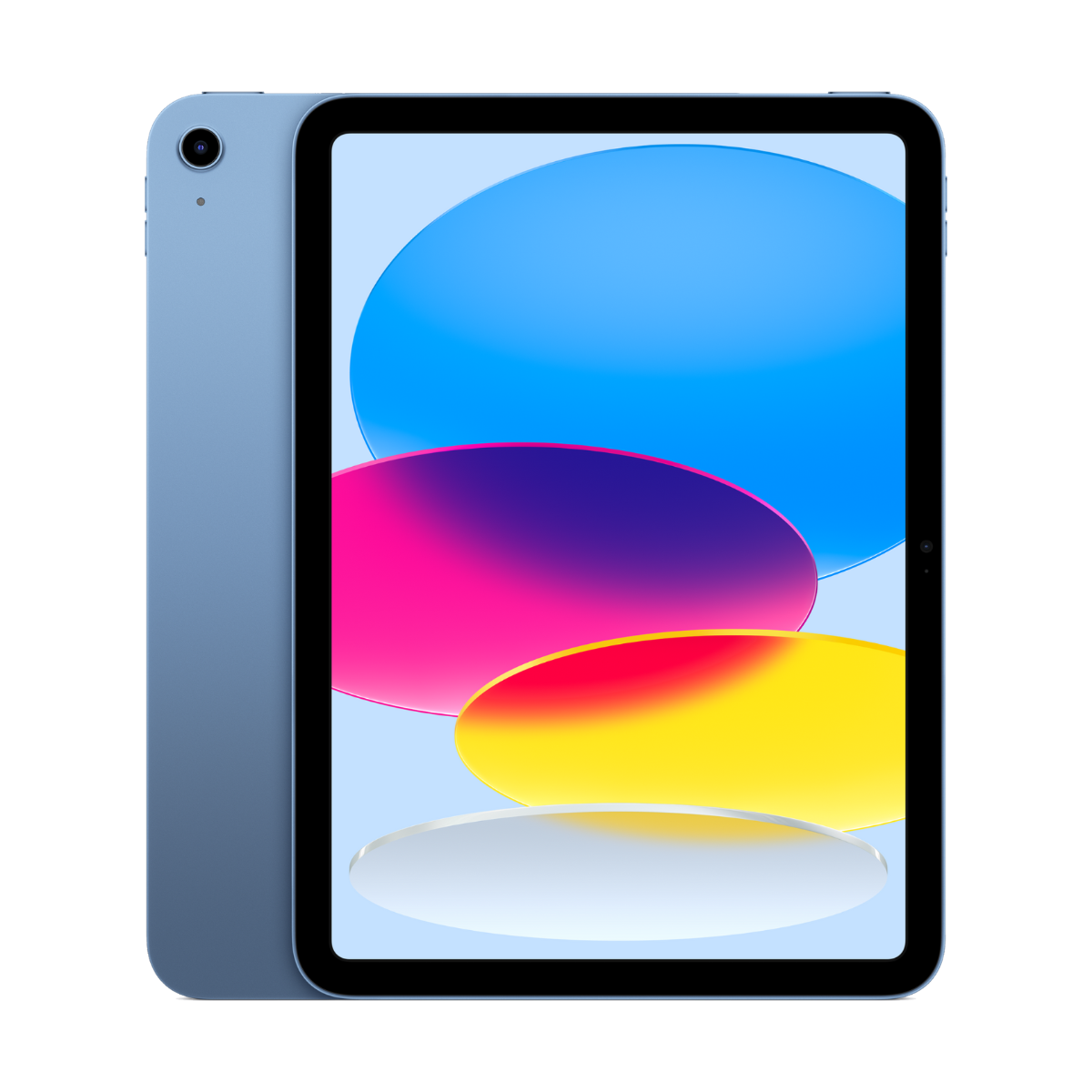
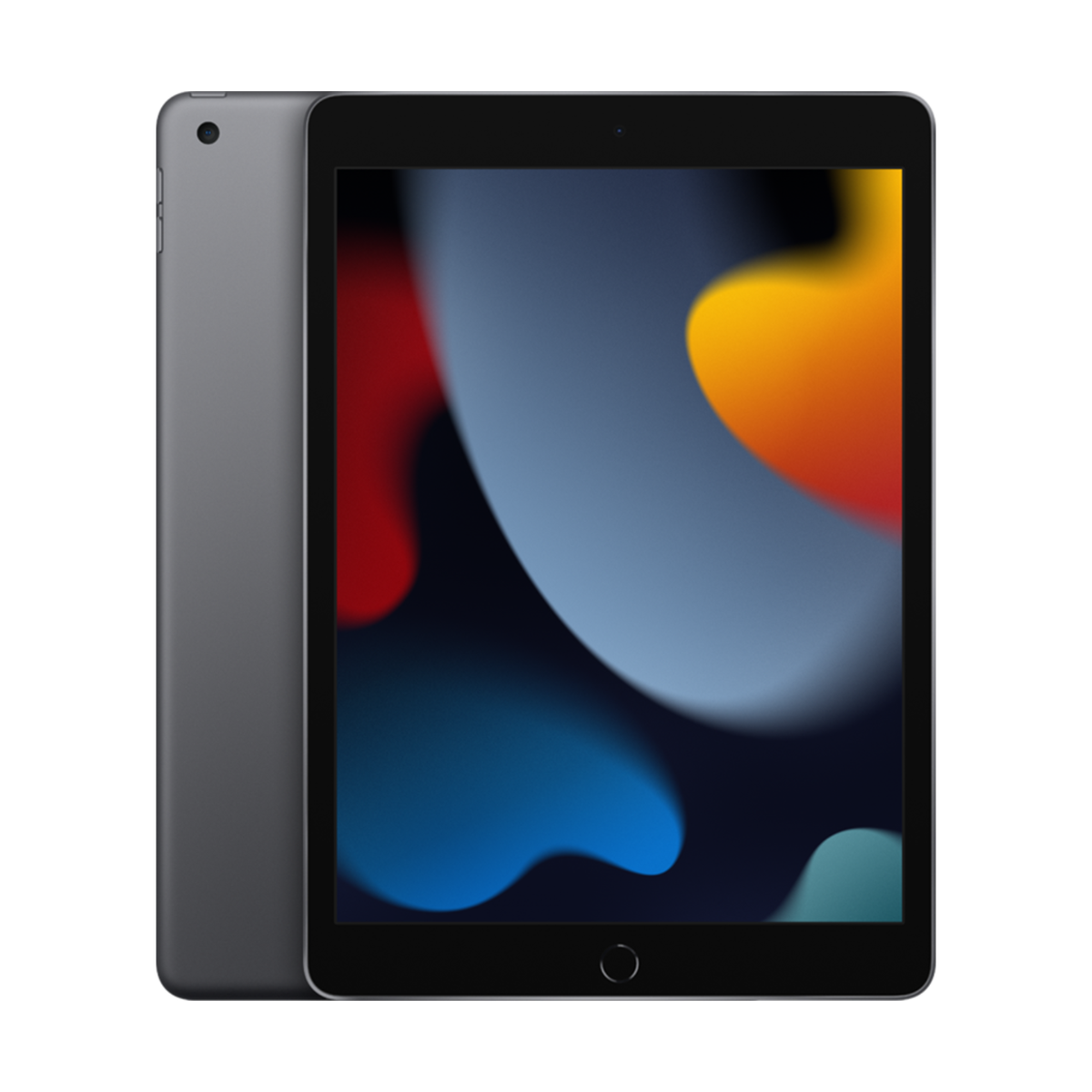

The best tablet for most seniors in Canada is the iPad (10th gen): simple, great for FaceTime with family, and it runs iPadOS 27 with Assistive Access, a simplified mode with big buttons. If a physical Home button helps, get the iPad (9th gen). For the biggest screen, look at the iPad Air 13-inch or the Galaxy Tab S9 FE+.
Find the easiest tablet for them
What phone does the family use?
Screen size?
Our picks
- 10.9"screen
- Touch IDunlock
- FaceTimebuilt in
Buy it if you want an easy tablet for video calls with family, photos, news and email.
Skip it if they prefer a physical Home button. The iPad (9th gen) has one.
Why we picked it
A bright 10.9-inch screen, a landscape front camera that keeps them centred on FaceTime calls, and Touch ID so there is no passcode to remember. It runs iPadOS 27, including Assistive Access.
- Homebutton
- 10.2"screen
- 3.5 mmheadphone jack
Buy it if they are new to tablets and a physical Home button makes it easier to get back to the start.
Skip it if they want the newest model. It uses a Lightning charger.
Why we picked it
The Home button is the most familiar way to navigate for many first-time users, and the headphone jack works with wired headphones and hearing-aid streamers that use a cable.
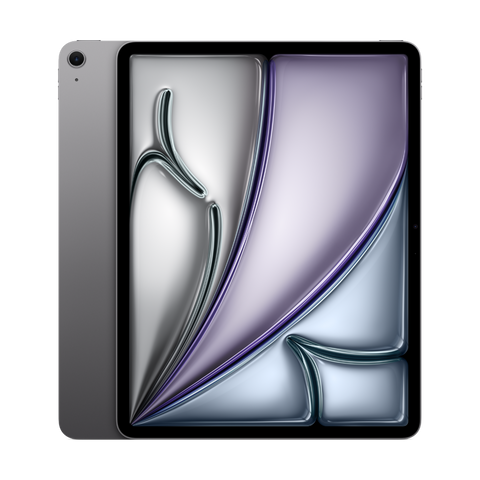
- 13"screen
- M2chip
- Landscapecamera
Buy it if they want the biggest text and photos, for reading, puzzles and video calls.
Skip it if they hold it in bed or one-handed. It is larger and heavier.
Why we picked it
A 13-inch screen makes text, recipes and family photos easy to see, and the landscape camera works well on a stand for long FaceTime calls.

- 12.4"screen
- Easymode
- IP68water resistant
Buy it if the family uses Android, or they want a big screen that shrugs off a spilled tea.
Skip it if the family shares photos through iPhone. An iPad makes that easier.
Why we picked it
Samsung Easy mode enlarges text and icons and simplifies the home screen. The 12.4-inch screen is big, and IP68 water resistance is rare on a tablet.

- 11"screen
- 90Hzdisplay
- Easymode
Buy it if they need a simple tablet for video calls, YouTube and news on a tight budget.
Skip it if they want a tablet for many years. Higher-end Galaxy tablets get updates for longer.
Why we picked it
An 11-inch screen, Easy mode, and the full Google Play store for WhatsApp, Zoom and news apps.
Compare the picks
| Tablet | Screen | Unlock or water rating | Pen | From |
|---|---|---|---|---|
| iPad (10th gen) | 10.9-inch | Touch ID (top button) | Apple Pencil (USB-C) or 1st gen with adapter | $429.99 |
| iPad (9th gen) | 10.2-inch | Touch ID (Home button) | Apple Pencil (1st gen) | $299.99 |
| iPad Air 13-inch (M2) | 13-inch | Touch ID (top button) | Apple Pencil Pro or USB-C | $879.99 |
| Galaxy Tab S9 FE+ | 12.4-inch, 90Hz | IP68 water resistance | S Pen support | $649.99 |
| Galaxy Tab A9+ | 11-inch, 90Hz | No water rating | No pen support | $249.99 |
iPad specs and iPadOS 27 support from apple.com/ca, Samsung specs from samsung.com/ca. Checked October 24, 2026.
Make it easier to use
- Assistive Access (Settings, Accessibility, Assistive Access): a simplified home screen with large buttons for Calls, Messages, Camera and Photos.
- Larger Text and Bold Text in Settings, Display and Brightness.
- Zoom and Magnifier for small print, menus and labels.
- Live Captions for FaceTime and videos.
- Set up Family Sharing so you can help with purchases and find the iPad if it is lost.
- Easy mode (Settings, Display, Easy mode): larger icons and text and a simpler layout.
- Font size and style in Settings, Display.
- Magnification in Accessibility settings.
- Live Caption for videos and calls.
- Add family as emergency contacts in Safety and emergency.
What to look for
- A big, bright screen. 10.9 inches or more makes text and faces easier to see.
- Simple unlocking. Touch ID or a fingerprint beats typing a passcode.
- A good front camera. Video calls are the number one use. iPads with a landscape front camera keep the face centred.
- A stand or folio case. Holding a tablet for a long call is tiring.
- Same system as the family. If the family uses iPhones, an iPad makes FaceTime, shared albums and help over the phone much easier.
Every device we sell is inspected, repaired and graded by our own technicians, factory reset, and covered by a warranty of 90 days to 1 year depending on grade, with 14-day returns. Grades describe looks only: Fair has visible scratches, Good has light signs of use, Excellent has hairline marks at most and Premium looks like new.
Questions people ask
What is the best tablet for seniors in Canada?
The iPad (10th gen) for most people, the iPad (9th gen) if a Home button helps, and the iPad Air 13-inch or Galaxy Tab S9 FE+ for the biggest screen.
Is an iPad easy for seniors to use?
Yes, especially with Assistive Access, which turns the home screen into a few large buttons for calls, messages, photos and the camera.
What size tablet is best for seniors?
Around 11 inches is the sweet spot. Go to 12.4 or 13 inches if vision is a concern and the tablet will mostly sit on a stand.
Do seniors need a cellular tablet?
Usually not. Home Wi-Fi covers video calls and email. Cellular helps only if they use it away from home a lot.
Can I help a parent with their iPad remotely?
You can guide them over FaceTime with SharePlay screen sharing, and Family Sharing lets you manage purchases and find the device.
Is Android or iPad better for seniors?
Match the family. If everyone uses iPhone, get an iPad. If they already use an Android phone, a Galaxy Tab with Easy mode feels familiar.
Buying a phone or watch? See the best phones for seniors and the best Apple Watch for seniors. Browse every refurbished iPad.
Évitez le prix du neuf
Procurez-vous le iPad (10e génération) d'occasion à partir de $429.99, testé par de vrais techniciens, avec une garantie de 90 jours à 1 an selon l'état et des retours sous 14 jours.