Buying guide
Best iPad for Note-Taking (2026): Which iPad and Apple Pencil to Get
The best iPads for handwritten notes, which Apple Pencil works with which iPad, and the apps that make notes easier.
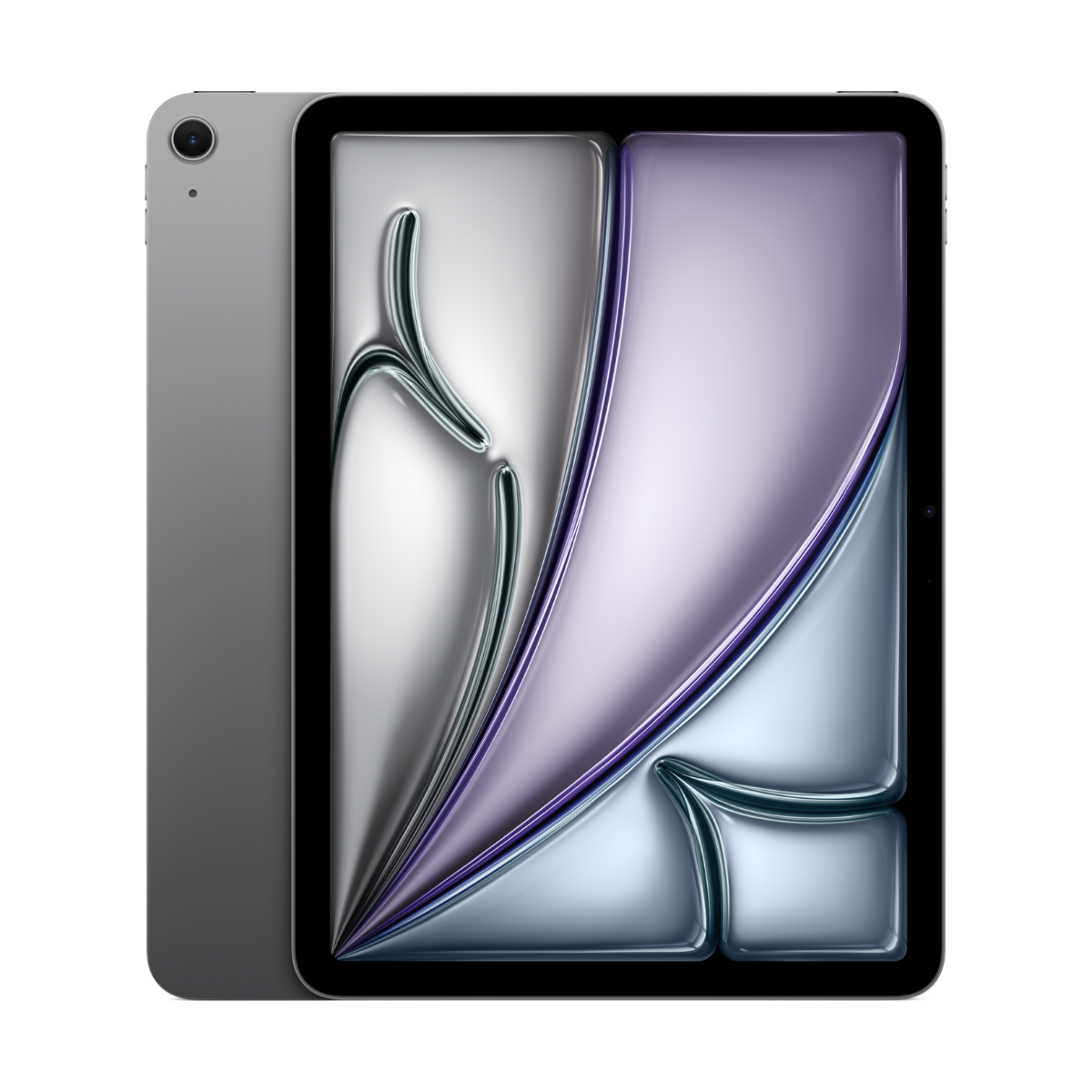
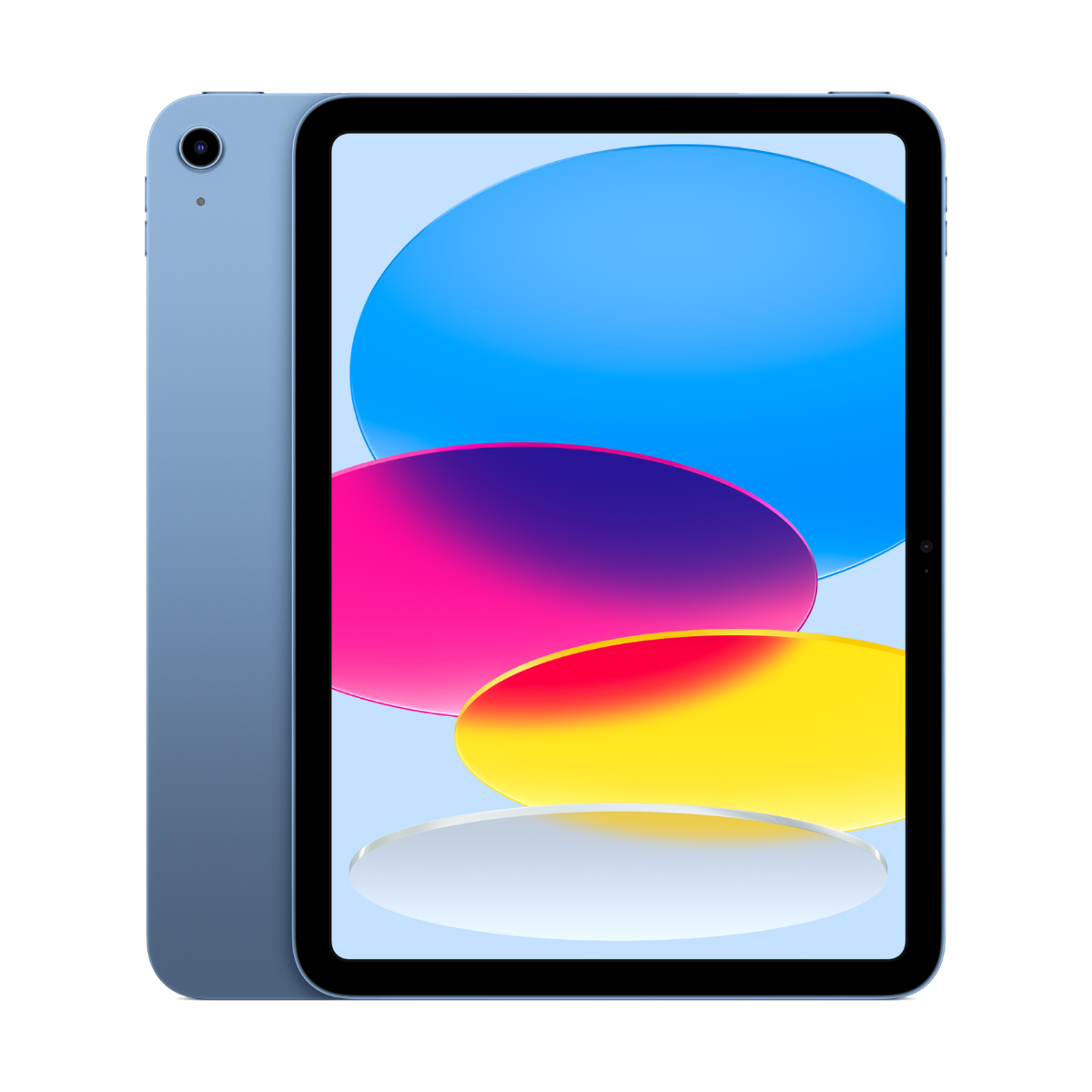
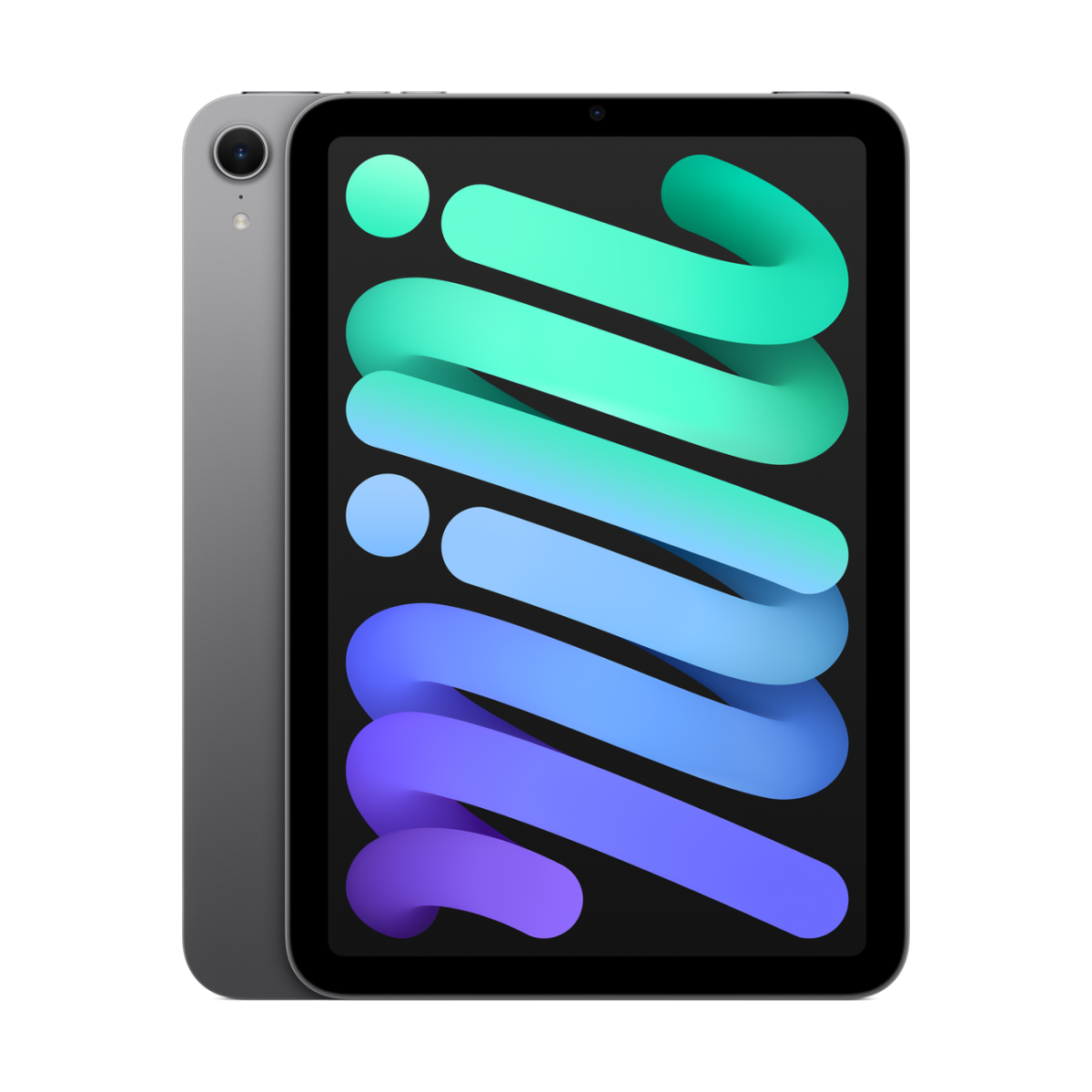
The best iPad for note-taking is the iPad Air 11-inch (M3) with Apple Pencil Pro. For a lower budget, the iPad (A16) with Apple Pencil (USB-C) writes just as precisely, it only lacks pressure sensitivity. If you want a notebook you can hold in one hand, get the iPad mini (A17 Pro). Whatever you pick, match the Pencil to the iPad: they are not all compatible.
Find your note-taking iPad
Which Pencil do you want?
How big?
Our picks
- Pencil Prosqueeze, hover
- M3chip
- 11"screen
Buy it if you take handwritten notes every day and want hover, squeeze and barrel roll from Apple Pencil Pro.
Skip it if you only need basic notes. The iPad (A16) handles notes well.
Why we picked it
Apple Pencil Pro attaches magnetically to charge, shows where your tip will land before you touch the glass (hover), and squeeze brings up your tool palette. Paired with the 11-inch Air it is the best everyday note-taking setup.
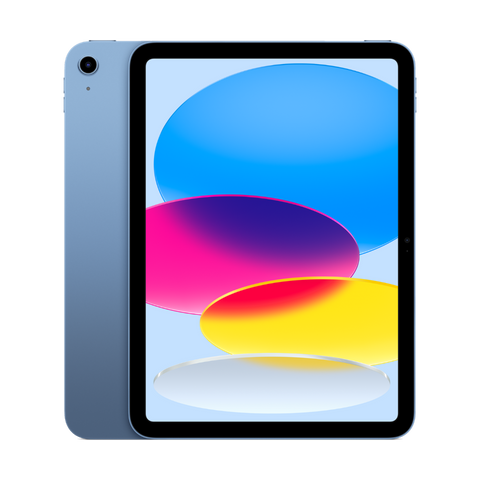
- Pencil USB-Csupport
- 11"screen
- 128GBbase
Buy it if you want a current iPad for notes and readings without going up to an Air.
Skip it if pressure sensitivity matters to you. Apple Pencil (USB-C) has no pressure sensitivity.
Why we picked it
Apple Pencil (USB-C) is precise and low latency, which is all most note-takers need. It has no pressure sensitivity, so it is less suited to drawing. It charges with a USB-C cable instead of magnetically.
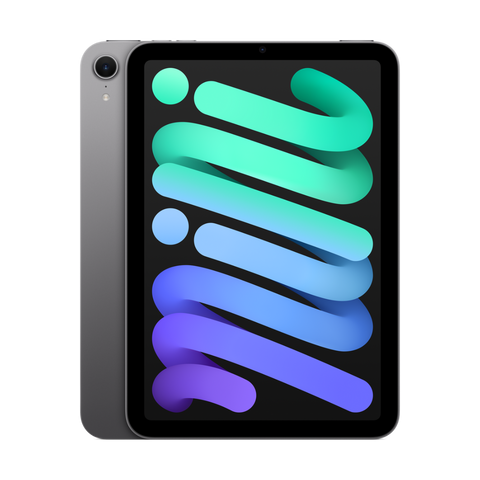
- 8.3"screen
- Pencil Prosupport
- A17 Prochip
Buy it if you want something the size of a paper notebook that you can hold in one hand while writing.
Skip it if you annotate full-size PDFs. Letter-size pages are small on 8.3 inches.
Why we picked it
The mini feels like a Moleskine: you can write on it while holding it, standing up in a lab or on a bus. It takes Apple Pencil Pro and supports Apple Intelligence.
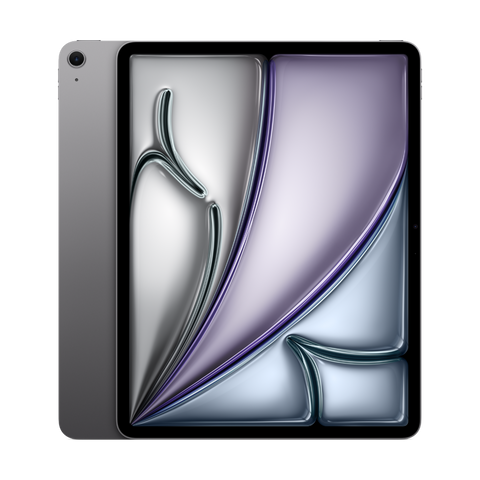
- 13"screen
- Pencil Prosupport
- M2chip
Buy it if you annotate full-size PDFs, slides and textbooks and want a page shown close to real size.
Skip it if you mostly write on the go. The 13-inch is less comfortable to hold in one hand.
Why we picked it
Big pages, room for a textbook and your notes side by side, and full Apple Pencil Pro support.
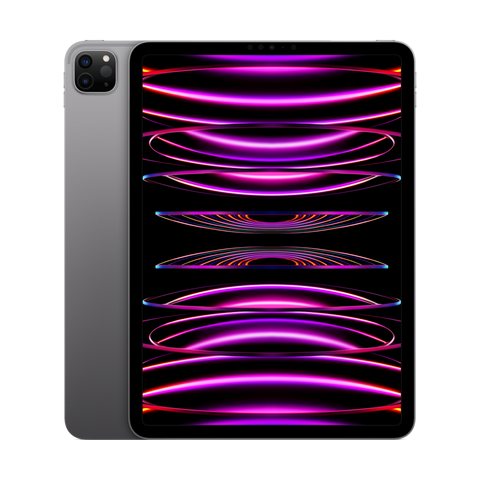
- 120HzProMotion
- Pencil 2with hover
- Face IDunlock
Buy it if you want the smoothest ink on a 120Hz screen and are happy with Apple Pencil (2nd gen).
Skip it if you already own an Apple Pencil Pro. It does not work with this model.
Why we picked it
The M2 iPad Pro has a 120Hz ProMotion screen, so ink follows the tip with less lag than on 60Hz iPads. It supports Apple Pencil (2nd gen) with hover.
Compare the picks
| iPad | Screen | Apple Pencil | Storage | From |
|---|---|---|---|---|
| iPad Air 11-inch (M3) | 11-inch | Apple Pencil Pro or USB-C | 128GB to 1TB | $779.99 |
| iPad (A16) | 11-inch | Apple Pencil (USB-C) or 1st gen with adapter | 128GB to 512GB | $529.99 |
| iPad mini (A17 Pro) | 8.3-inch | Apple Pencil Pro or USB-C | 128GB to 512GB | $709.99 |
| iPad Air 13-inch (M2) | 13-inch | Apple Pencil Pro or USB-C | 128GB to 1TB | $879.99 |
| iPad Pro 11-inch (M2) | 11-inch, 120Hz ProMotion | Apple Pencil (2nd gen) or USB-C | 128GB to 2TB | $969.99 |
Apple Pencil support from apple.com/ca/apple-pencil, Apple Intelligence support from apple.com/ca/apple-intelligence and iPadOS 27 support from apple.com/ca/os/ipados, checked October 24, 2026. "From" is today's live starting price across grades.
Which Apple Pencil works with which iPad
This is the part that trips people up. Buy the wrong Pencil and it simply will not pair.
| Pencil | Works with | Pressure | Magnetic charging | Extras |
|---|---|---|---|---|
| Apple Pencil Pro | iPad Pro 11 and 13-inch (M4 and M5), iPad Air 11 and 13-inch (M2, M3, M4), iPad mini (A17 Pro) | Yes | Yes | Squeeze, barrel roll, hover, haptics, Find My |
| Apple Pencil (USB-C) | iPad Pro (M4, M5 and 1st to 4th gen 11-inch, 3rd to 6th gen 12.9-inch), iPad Air (M2 to M4, 4th and 5th gen), iPad (A16), iPad (10th gen), iPad mini (A17 Pro and 6th gen) | No | No (USB-C cable) | Hover on iPad Pro (M2 and later), iPad Air (M2 and later) and iPad mini (A17 Pro) |
| Apple Pencil (2nd gen) | iPad Pro 11-inch (1st to 4th gen), iPad Pro 12.9-inch (3rd to 6th gen), iPad Air (4th and 5th gen), iPad mini (6th gen) | Yes | Yes | Double-tap, hover on M2 iPad Pro |
| Apple Pencil (1st gen) | iPad (6th to 10th gen, 10th gen and A16 need the USB-C adapter), iPad Air (3rd gen), iPad mini (5th gen) | Yes | No (Lightning) | Basic |
From apple.com/ca/apple-pencil, checked October 24, 2026. Full breakdown in which iPads are still supported.
What makes an iPad good for notes
- Pencil latency and hover. Hover shows where the tip will land. 120Hz screens (iPad Pro) make ink feel closer to paper.
- Screen size. 8.3-inch feels like a notebook, 11-inch is the sweet spot, 13-inch fits a full page of a PDF.
- Storage. Handwritten notes are small, but imported PDFs, slides and recorded audio are not. 128GB is a safe start.
- A matte screen protector. A paper-feel protector adds friction so writing feels less slippery. It slightly softens the screen.
- Handwriting search. Apple Notes, Goodnotes, Notability and OneNote can all search your handwriting.
Best apps for handwritten notes
| App | Price model | Needs | Best for |
|---|---|---|---|
| Notes | Free, built in | Any iPad | Quick notes, handwriting search, Math Notes |
| Goodnotes | Free plan, paid upgrade | iPadOS 18.6 or later | Notebooks, PDF annotation, study sets |
| Notability | Free plan, subscription or one-time Classic plan | iPadOS 18.0 or later | Audio recording synced to your notes |
| Microsoft OneNote | Free with a Microsoft account | iPadOS 18.0 or later | Sharing notes with classmates on Windows |
| Noteful | Free plan, paid upgrade | iPadOS 16.4 or later | A Goodnotes-style app with a simple layout |
Requirements from the Canadian App Store, checked October 24, 2026. Full comparison in the best note-taking apps for iPad.
Every device we sell is inspected, repaired and graded by our own technicians, factory reset, and covered by a warranty of 90 days to 1 year depending on grade, with 14-day returns. Grades describe looks only: Fair has visible scratches, Good has light signs of use, Excellent has hairline marks at most and Premium looks like new.
Questions people ask
What is the best iPad for taking notes?
The iPad Air 11-inch (M3) with Apple Pencil Pro. For a lower budget, the iPad (A16) with Apple Pencil (USB-C).
Is the iPad (A16) good for note-taking?
Yes. Apple Pencil (USB-C) is precise and low latency. It lacks pressure sensitivity, which matters more for drawing than for notes.
Does the iPad 9th gen work for notes?
Yes, with Apple Pencil (1st gen). It runs iPadOS 27, but it uses Lightning and the older Pencil, so we suggest the iPad (A16) or 10th gen if you are buying now.
Is the iPad mini good for notes?
Yes, if you like writing while holding the device. It is too small for full-page PDFs.
Do I need a paper-feel screen protector?
No, but many students like one because it adds friction. It slightly reduces screen sharpness.
Can the iPad turn handwriting into text?
Yes. Scribble converts handwriting in any text field, and Notes, Goodnotes and Notability can convert or search handwriting.
Which iPads support Apple Pencil Pro?
iPad Pro (M4 and M5), iPad Air (M2, M3 and M4) and iPad mini (A17 Pro).
Shopping for school? See the best iPad for university students, which iPad to buy, or every refurbished iPad.
Need a phone for school too? Take our 60-second phone finder or compare any two phones side by side.
Évitez le prix du neuf
Procurez-vous le iPad Air 11 pouces (M3) d'occasion à partir de $779.99, testé par de vrais techniciens, avec une garantie de 90 jours à 1 an selon l'état et des retours sous 14 jours.