Students
Best Note-Taking Apps for iPad (2026): Goodnotes vs Notability and More
The best note-taking apps for iPad compared, including Goodnotes vs Notability, what each costs to use and which iPads can run them.
The best note-taking app for most iPad users is Goodnotes for notebooks and PDF annotation, or Notability if you want lectures recorded and synced to your notes. Apple Notes is free, built in, and better than most people think. Pick OneNote if your class shares notes on Windows.
Short answer
- Goodnotes: best all-round handwritten notes and PDF markup.
- Notability: best for lectures, because audio plays back in sync with what you wrote.
- Apple Notes: best free option, with handwriting search and Math Notes.
- OneNote: best for sharing notebooks with classmates and teams.
- Noteful: a lighter Goodnotes alternative with a simple layout.
The apps compared
| App | Price model | Minimum version | iPhone too | Best for |
|---|---|---|---|---|
| Goodnotes | Free plan, paid upgrade | iPadOS 18.6 | Yes | Notebooks, PDFs, study sets |
| Notability | Free plan, subscription or one-time Classic plan | iPadOS 18.0 | Yes | Recording lectures with your notes |
| Notes | Free, built in | Built in | Yes | Quick notes, handwriting search, Math Notes |
| Microsoft OneNote | Free with a Microsoft account | iPadOS 18.0 | Yes | Sharing with Windows users |
| Noteful | Free plan, paid upgrade | iPadOS 16.4 | Yes | Simple Goodnotes-style notebooks |
| CollaNote | Free with optional upgrades | iPadOS 18.6 | Yes | Free notebooks with many pen tools |
| MyScript Notes | Free plan, paid upgrade | iPadOS 17.0 | Yes | Turning handwriting into typed text |
| LiquidText | Free plan, paid upgrade | iPadOS 17.6 | Yes | Research, pulling quotes out of PDFs |
| MarginNote 4 | Free plan, paid upgrade | iPadOS 17.0 | Yes | Mind maps and flashcards from readings |
Minimum versions and price models from the Canadian App Store listings, checked October 24, 2026. Developers change plans often, so check the listing before you subscribe.
Goodnotes vs Notability
| Goodnotes | Notability | |
|---|---|---|
| Feel | Paper notebooks with covers and templates | One long scrolling page per note |
| Audio recording | Yes, with AI transcription on paid plans | Yes, synced to your handwriting (its signature feature) |
| PDF annotation | Excellent | Very good |
| Organization | Folders and notebooks | Subjects and dividers |
| Pricing | Free plan, paid upgrade | Free plan, subscription, or a one-time Classic plan |
| Pick it if | You want tidy notebooks and lots of PDF markup | You record lectures and want to replay the moment you wrote something |
Is Apple Notes good enough?
For many people, yes. Apple Notes is free, syncs through iCloud, searches handwriting, and has Math Notes, which solves equations you write by hand. What it lacks: notebook-style page templates and proper PDF organization for a whole semester. If you only need quick notes and the odd sketch, start with Apple Notes before paying for anything.
How to pick in 30 seconds
| If you... | Use |
|---|---|
| Want free and simple | Apple Notes |
| Write a lot by hand and annotate PDFs | Goodnotes |
| Record lectures or meetings | Notability |
| Share notes with Windows or Android users | OneNote |
| Want handwriting turned into clean typed text | MyScript Notes (formerly Nebo) |
| Pull quotes out of research papers | LiquidText or MarginNote |
Set up your notes for a semester
- Make one notebook or folder per course, named with the course code.
- Import the syllabus and slides as PDFs before each lecture, then write right on them.
- Turn on iCloud or account sync so notes back up automatically.
- Use a paper-style template (lined, grid or Cornell) that matches the course.
- Tag or star pages to review before exams, and export important notebooks to PDF at the end of term.
Where your notes go: iPhone, Mac, Windows
| App | iPhone | Mac | Windows or Android | Web |
|---|---|---|---|---|
| Apple Notes | Yes | Yes | No | iCloud.com |
| Goodnotes | Yes | Yes | Yes | Yes |
| Notability | Yes | Yes | No | View-only links |
| OneNote | Yes | Yes | Yes | Yes |
Do these apps work on older iPads?
Most need a recent iPadOS version. Goodnotes needs iPadOS 18.6 or later and Notability and OneNote need iPadOS 18 or later. Every iPad that runs iPadOS 27 can install them: iPad (9th gen and later), iPad mini (6th gen and A17 Pro), iPad Air (4th gen and later) and iPad Pro (4th gen and later, M1 and later), as Apple lists them. See which iPads get iPadOS 27.
Which iPad to run them on
| iPad | Screen | Apple Pencil | Apple Intelligence | From |
|---|---|---|---|---|
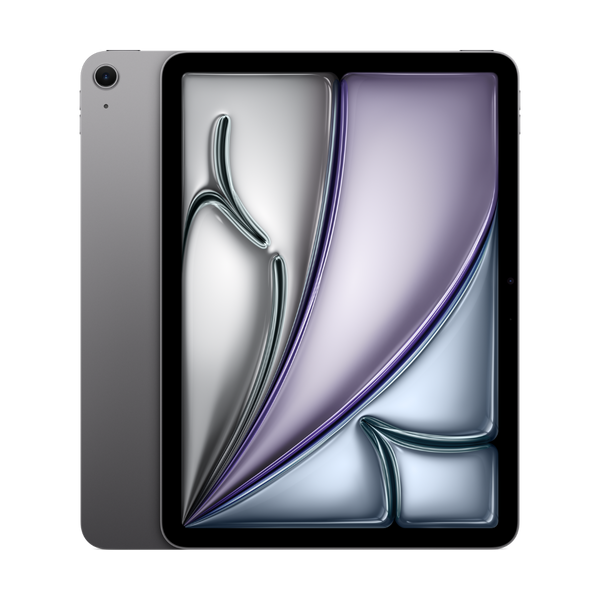
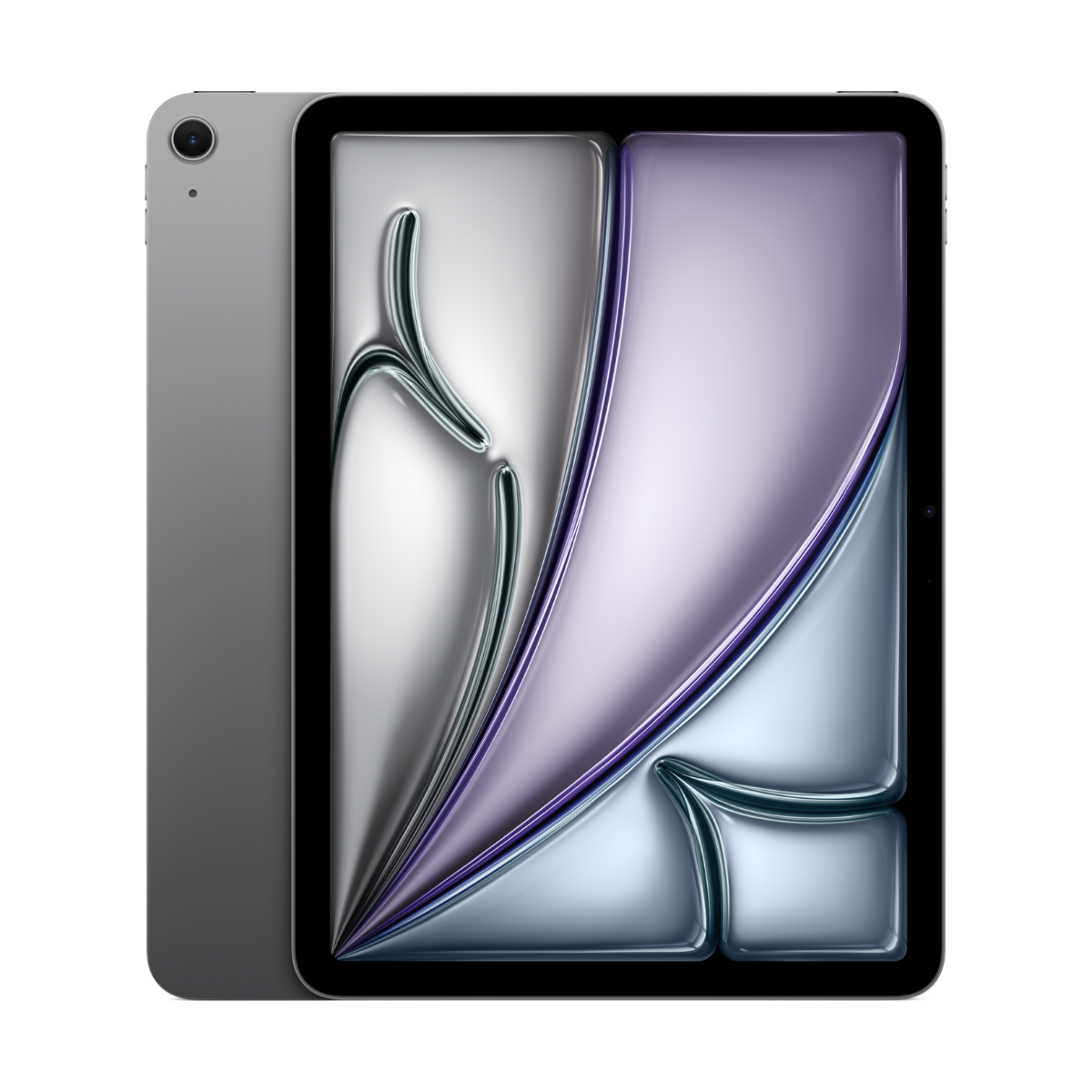
| iPad Air 11-inch (M3) | 11-inch | Apple Pencil Pro or USB-C | Yes | $779.99 |
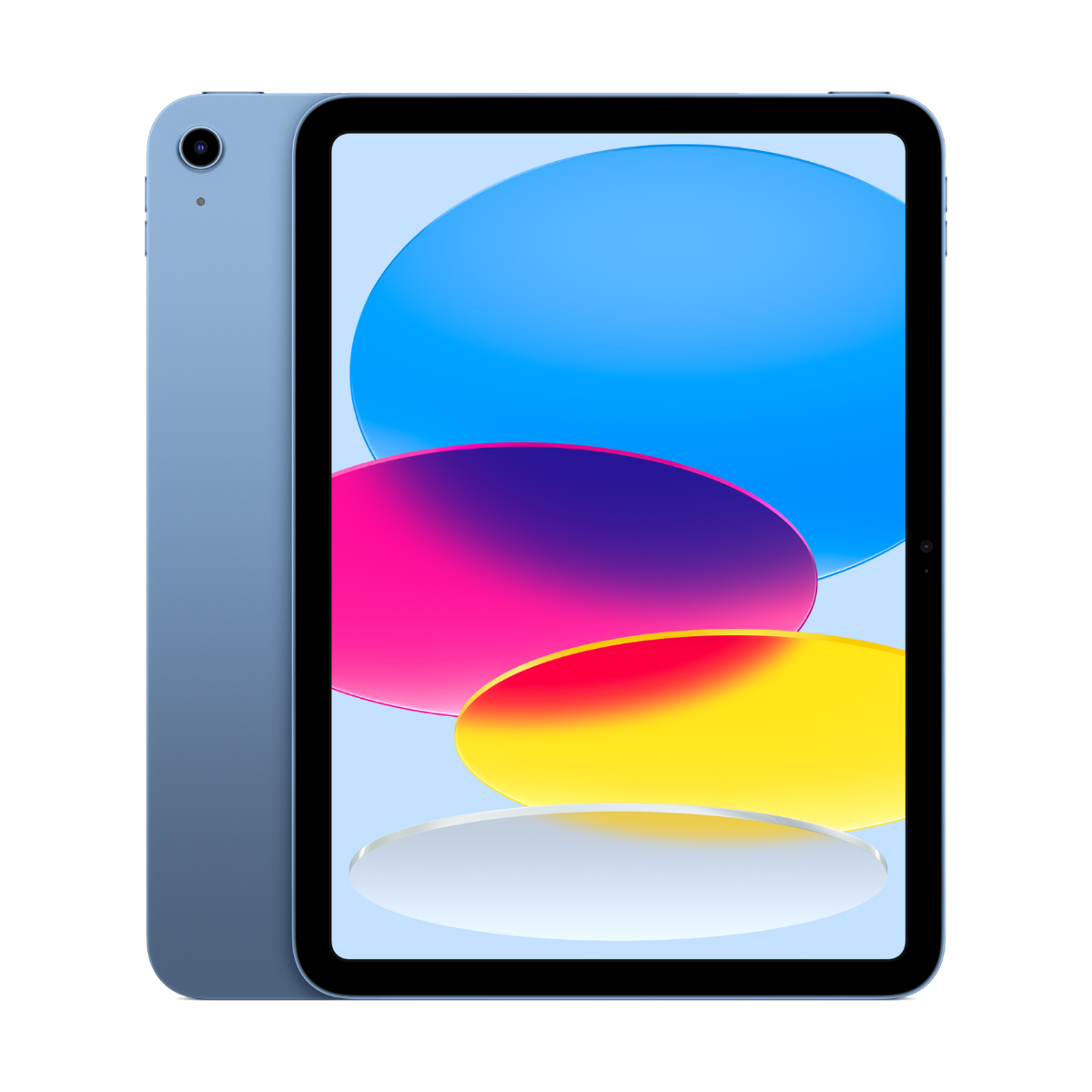
| iPad (A16) | 11-inch | Apple Pencil (USB-C) or 1st gen with adapter | No | $529.99 |
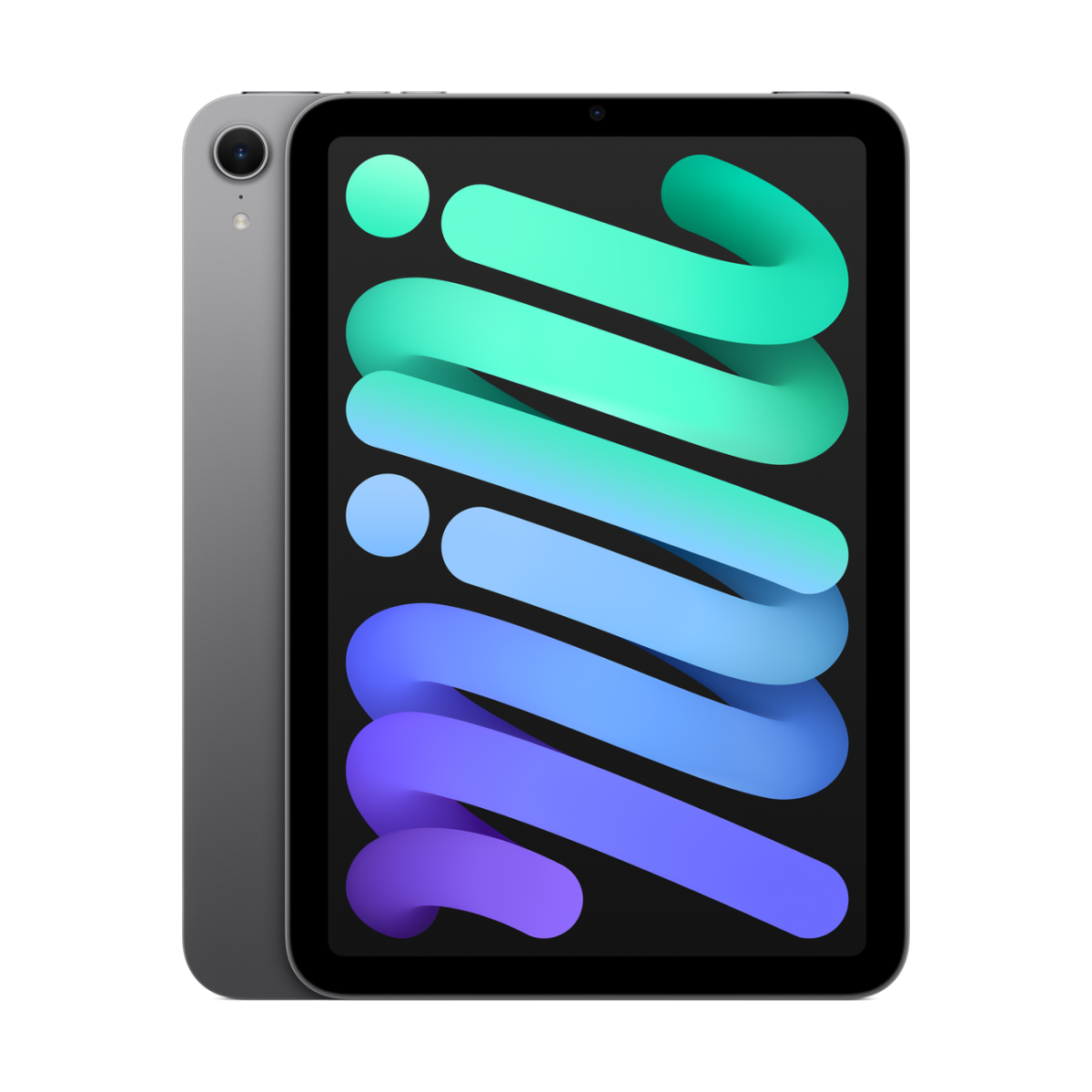
| iPad mini (A17 Pro) | 8.3-inch | Apple Pencil Pro or USB-C | Yes | $709.99 |
Our full picks are in the best iPad for note-taking, with an Apple Pencil compatibility chart.
 iPad Air 11 pouces (M3)
À partir de $779.99Acheter d'occasion →
iPad Air 11 pouces (M3)
À partir de $779.99Acheter d'occasion →
 iPad (A16)
À partir de $529.99Acheter d'occasion →
iPad (A16)
À partir de $529.99Acheter d'occasion →
 iPad mini (A17 Pro)
À partir de $709.99Acheter d'occasion →
iPad mini (A17 Pro)
À partir de $709.99Acheter d'occasion →
Questions people ask
What is the best note-taking app for iPad?
Goodnotes for most people, Notability for recording lectures, Apple Notes if you want something free and built in.
Is Goodnotes or Notability better?
Goodnotes is better for notebooks and PDF markup. Notability is better if you record lectures, because the audio plays back in sync with your writing.
What is the best free note-taking app for iPad?
Apple Notes. It is free, built in and searches your handwriting. OneNote is free too with a Microsoft account.
Do I need an Apple Pencil for these apps?
No, you can type or use a finger, but handwriting is where they shine. Check which Pencil fits your iPad in our Pencil chart.
Can I use Goodnotes on Windows or Android?
Goodnotes has a web and Windows version. Notability is Apple-only. OneNote works everywhere.
Will my notes sync to my iPhone and Mac?
Yes for Goodnotes, Notability, Apple Notes and OneNote, through iCloud or your Microsoft account.
See also the best iPad for university students in Canada and every refurbished iPad.
Need a phone for school too? Take our 60-second phone finder or compare any two phones side by side.
Évitez le prix du neuf
Procurez-vous le iPad Air 11 pouces (M3) d'occasion à partir de $779.99, testé par de vrais techniciens, avec une garantie de 90 jours à 1 an selon l'état et des retours sous 14 jours.