Buying guide
Best iPad for University Students in Canada (2026)
The best iPads for university students in Canada, by budget and by program, with the Apple Pencil, storage and Apple Intelligence details that actually matter.
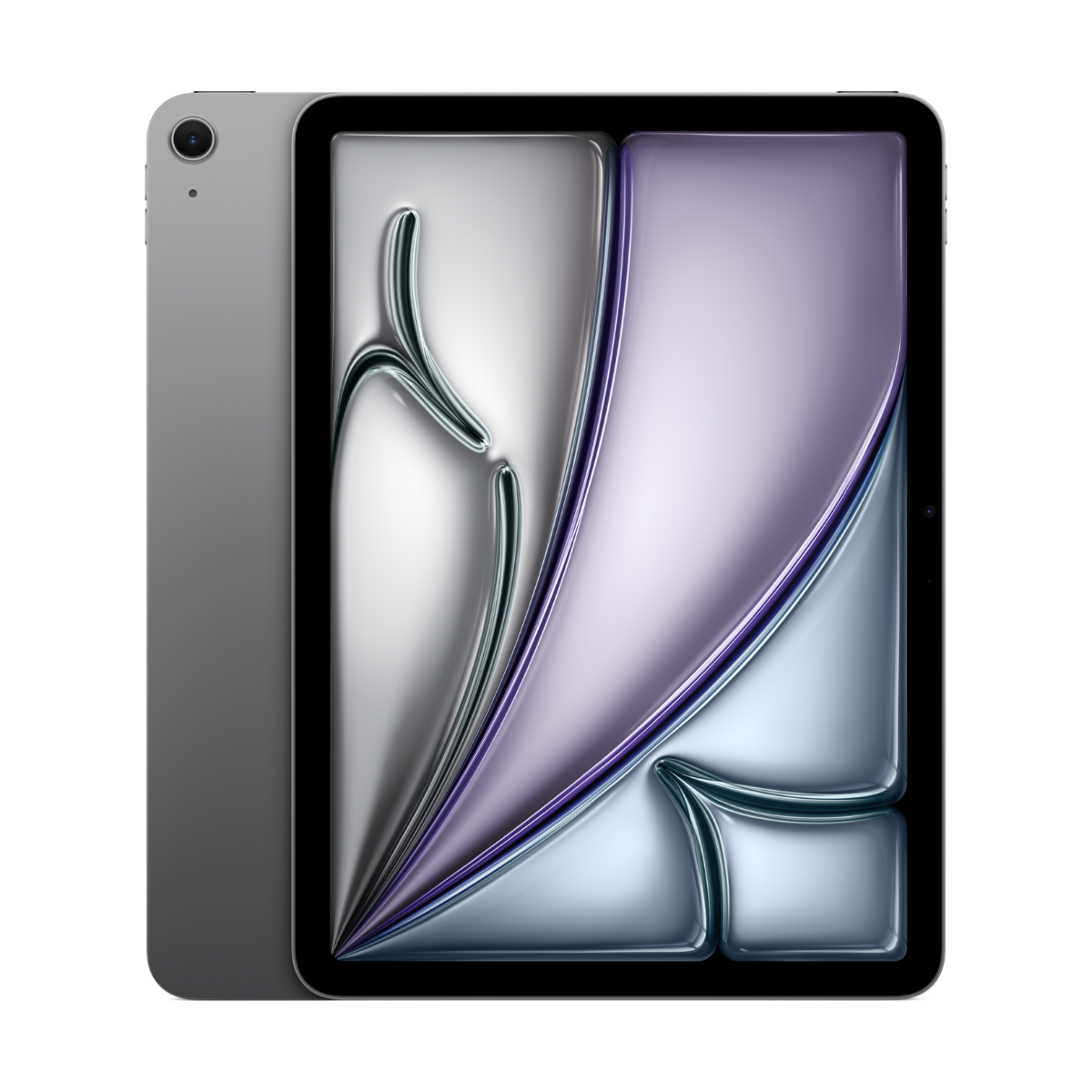
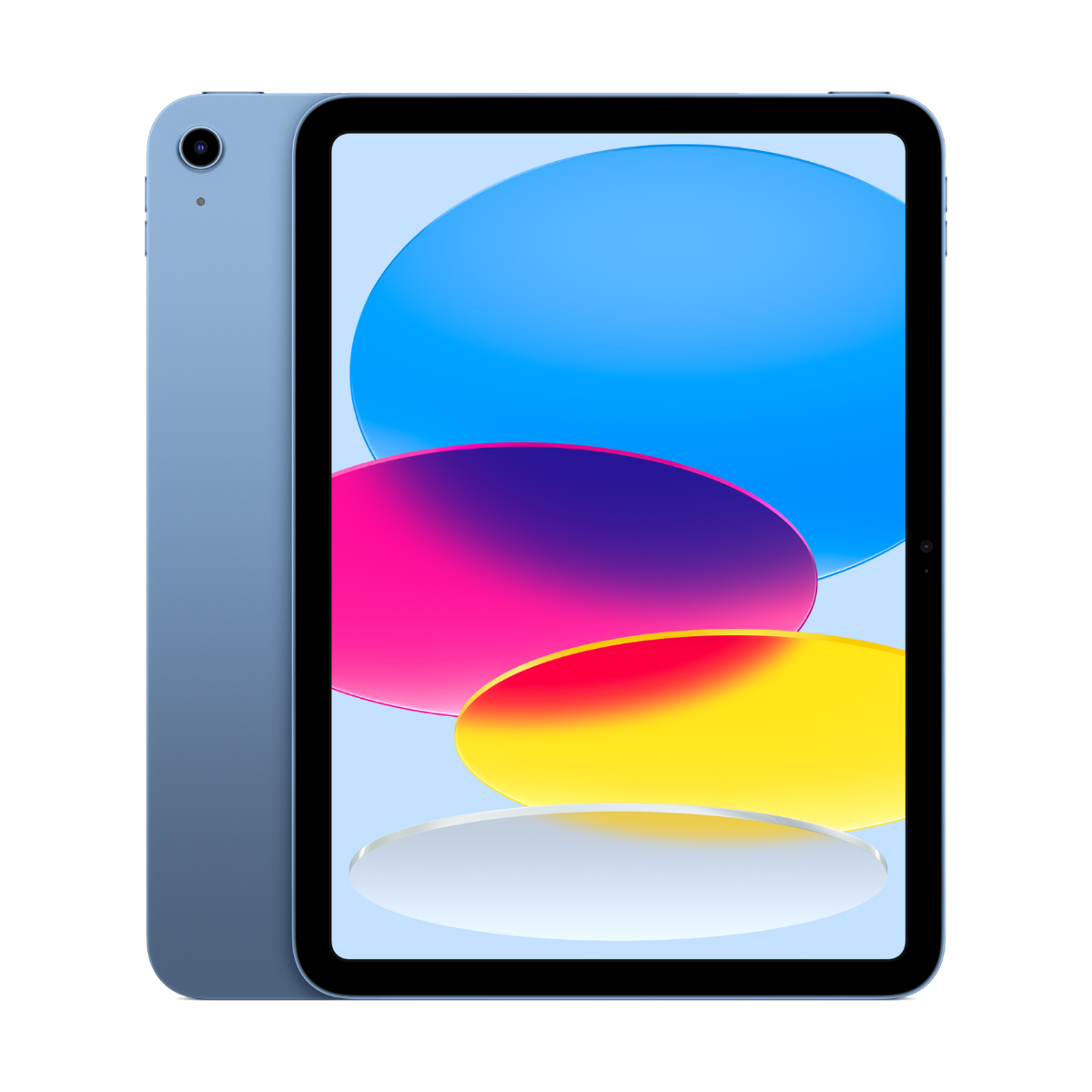
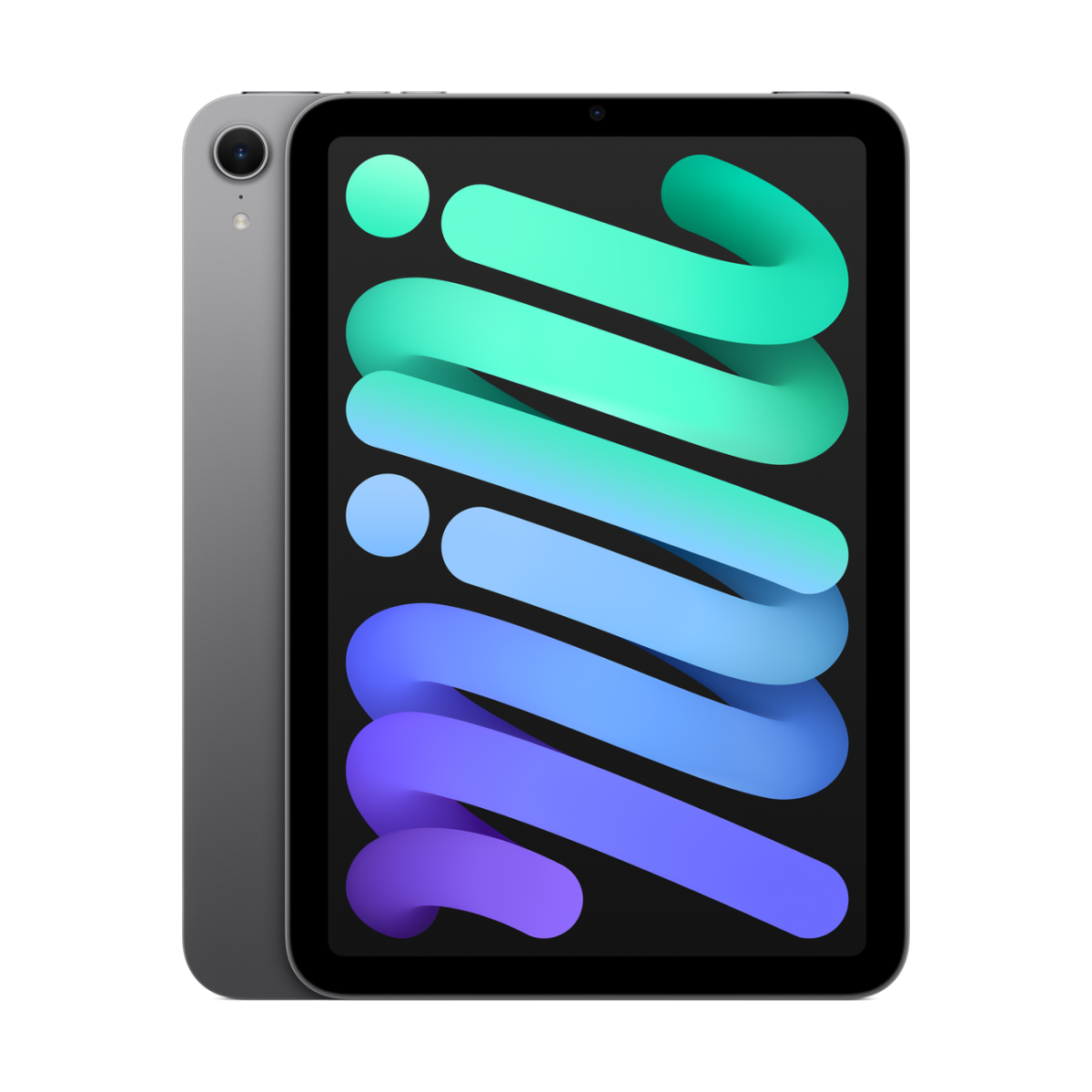
The best iPad for most university students in Canada is the iPad Air 11-inch (M3): it handles notes, readings and essays with a keyboard for a full degree, supports Apple Pencil Pro and runs Apple Intelligence. On a tighter budget, the iPad (A16) covers notes and lectures well. Engineering and design students should look at the iPad Pro (M2) for its 120Hz screen.
Find your university iPad in 3 taps
What will you do most?
Size?
Do you want Apple Intelligence?
Our picks
- 11"screen
- M3chip
- Pencil Prosupport
Buy it if you want one iPad that handles notes, readings, papers with a keyboard and the odd creative project for all four years.
Skip it if you only read PDFs and watch lectures. The iPad (A16) does that fine.
Why we picked it
The M3 chip is the same family as a MacBook, so it runs split-screen, Stage Manager and big PDF textbooks without slowing down. It works with Apple Pencil Pro and Apple Pencil (USB-C), supports Apple Intelligence (Writing Tools, summaries, Siri AI in English) and gets iPadOS 27. At 11 inches it fits on a lecture-hall tablet desk.
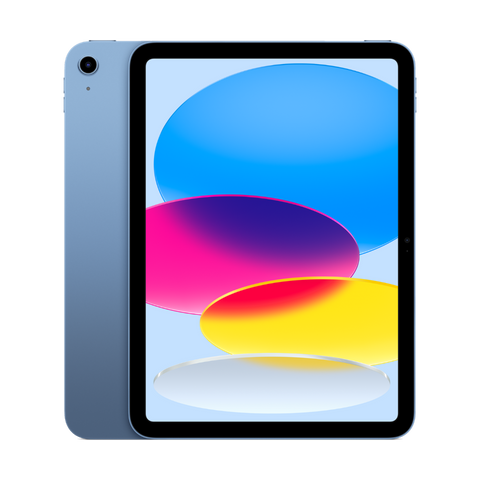
- 11"screen
- A16chip
- 128GBbase storage
Buy it if you mostly read, annotate slides and watch lectures, and want a current iPad with 128GB to start.
Skip it if you want Apple Intelligence. The A16 iPad does not support it.
Why we picked it
The current entry iPad has an 11-inch screen, USB-C, Touch ID and 128GB of storage as the starting point, which matters for downloaded textbooks. It works with Apple Pencil (USB-C) for handwritten notes. It does not run Apple Intelligence, which is the main trade-off.
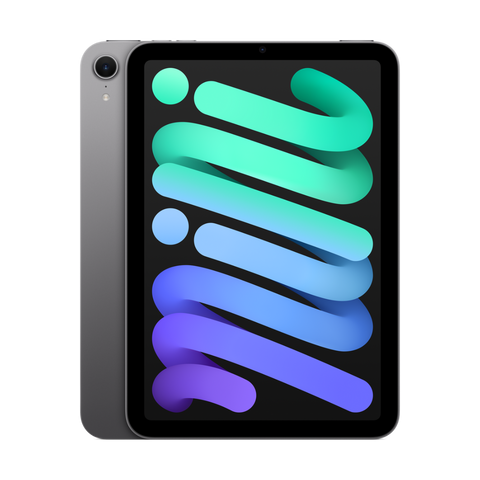
- 8.3"screen
- A17 Prochip
- 293 gweight
Buy it if you want a notebook-sized iPad for notes and reading that lives in a coat pocket or small bag.
Skip it if you plan to type essays on it. The small screen is cramped with a keyboard.
Why we picked it
The iPad mini (A17 Pro) is the smallest iPad that supports Apple Pencil Pro and Apple Intelligence. It is a great second screen next to a laptop: lecture slides on the mini, the essay on the laptop.
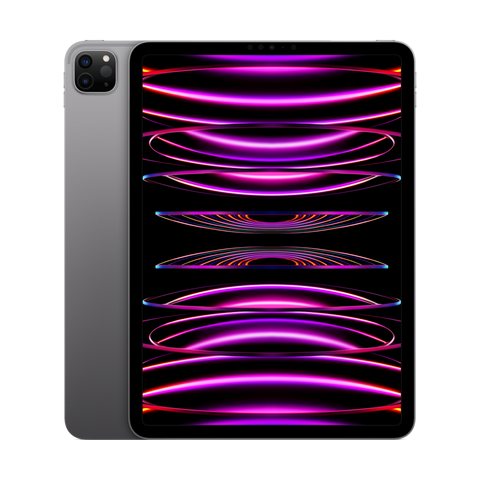
iPad Pro 11 pouces (4e génération, M2)
From $969.99See today's price- 120HzProMotion
- M2chip
- Face IDunlock
Buy it if you are in engineering, architecture, film or design and draw, sketch or edit a lot.
Skip it if you mainly take notes. You pay for screen and power you will not use.
Why we picked it
The M2 iPad Pro has a 120Hz ProMotion screen, Face ID and Thunderbolt USB-C for fast transfers to a monitor or drive. For drawing-heavy programs the smoother screen makes a real difference, and Apple Pencil (2nd gen) supports hover on it.
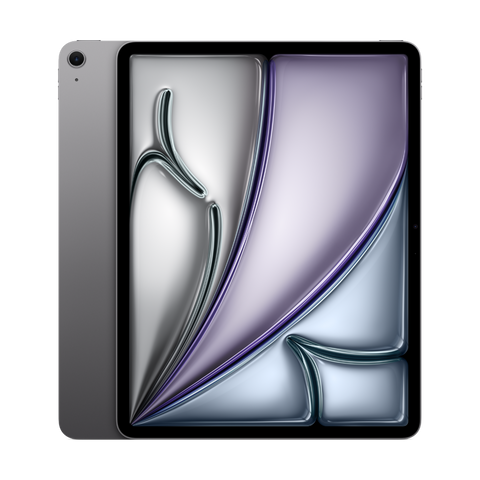
- 13"screen
- M2chip
- Pencil Prosupport
Buy it if you want two documents side by side, or a page of a textbook at full size, without going Pro.
Skip it if you walk across a big campus all day. It is heavier and needs a bigger bag.
Why we picked it
The 13-inch Air shows a full letter-size page at close to real size, which is great for annotating readings and for split-screen research. The M2 chip supports Apple Pencil Pro, Apple Intelligence and iPadOS 27.
Compare the picks
| iPad | Screen | Chip | Apple Pencil | Apple Intelligence | From |
|---|---|---|---|---|---|
| iPad Air 11-inch (M3) | 11-inch | M3 | Apple Pencil Pro or USB-C | Yes | $779.99 |
| iPad (A16) | 11-inch | A16 | Apple Pencil (USB-C) or 1st gen with adapter | No | $529.99 |
| iPad mini (A17 Pro) | 8.3-inch | A17 Pro | Apple Pencil Pro or USB-C | Yes | $709.99 |
| iPad Pro 11-inch (M2) | 11-inch, 120Hz ProMotion | M2 | Apple Pencil (2nd gen) or USB-C | Yes | $969.99 |
| iPad Air 13-inch (M2) | 13-inch | M2 | Apple Pencil Pro or USB-C | Yes | $879.99 |
Apple Pencil support from apple.com/ca/apple-pencil, Apple Intelligence support from apple.com/ca/apple-intelligence and iPadOS 27 support from apple.com/ca/os/ipados, checked October 24, 2026. "From" is today's live starting price across grades.
What actually matters for school
- Apple Pencil support. Handwritten notes are the main reason students buy an iPad. Check which Pencil your iPad takes before you buy one. See the best iPad for note-taking.
- 128GB of storage or more. Downloaded textbooks, recorded lectures and offline video fill 64GB in one term.
- Years of updates. Every iPad here runs iPadOS 27, so your apps keep working through a 4-year degree. See which iPads get iPadOS 27.
- A keyboard for essays. Any Bluetooth keyboard works. A keyboard case turns an Air or Pro into a light laptop for papers.
- Apple Intelligence. Writing Tools, notification summaries and Siri AI need an M1 iPad or newer, or the iPad mini (A17 Pro). The iPad (A16), 10th gen and 9th gen do not support it.
Best iPad by program
| Program | Our pick | Why |
|---|---|---|
| Arts, humanities, social sciences | iPad (A16) or Air 11-inch | Readings, PDFs and essays. Storage and a keyboard matter more than power. |
| Nursing, medicine, health sciences | iPad Air 11-inch | Clinical apps, anatomy diagrams and notes. See our nursing and med school guide. |
| Engineering, math, sciences | Air 13-inch or Pro 11-inch | Handwritten equations, big diagrams, side-by-side problem sets. |
| Architecture, design, film | iPad Pro 11-inch | 120Hz ProMotion screen for drawing, more power for creative apps. See best iPad for drawing. |
| Business, commerce, law | iPad Air 11-inch | Office apps, case readings and slides with a keyboard case. |
Can an iPad replace a laptop at university?
For many first and second-year students, yes, with a keyboard. Where it falls short: some courses need desktop-only software (certain statistics, coding and CAD programs), and some online exams require a Mac or Windows browser extension. Check your course outlines first. We break it down in iPad or MacBook for university, and the best MacBook for university students if you need a laptop.
Apps students actually use
- Goodnotes and Notability for handwritten notes. Compared in the best note-taking apps for iPad.
- Microsoft OneNote, Microsoft Word and Microsoft PowerPoint. Many Canadian universities give students Microsoft 365 for free through their school email.
- Canvas Student if your school runs Canvas, plus your school's own app for D2L Brightspace or Moodle.
- Quizlet and AnkiMobile (Anki) for flashcards.
Refurbished makes sense here. A student iPad gets dropped in bags and carried every day. A Fair or Good grade works exactly like a Premium one. Every device we sell is inspected, repaired and graded by our own technicians, factory reset, and covered by a warranty of 90 days to 1 year depending on grade, with 14-day returns. Grades describe looks only: Fair has visible scratches, Good has light signs of use, Excellent has hairline marks at most and Premium looks like new.
Questions people ask
What is the best iPad for university students in Canada?
The iPad Air 11-inch (M3) for most students. The iPad (A16) if you mainly read and take notes on a tight budget, and the iPad Pro 11-inch (M2) for engineering, architecture and design.
Is the base iPad good enough for university?
Yes, for notes, readings, lectures and light essays. The iPad (A16) starts at 128GB and works with Apple Pencil (USB-C). It does not support Apple Intelligence.
How much storage does a student iPad need?
At least 128GB. Textbooks, offline lectures and app data add up quickly, and you cannot add storage later.
Which Apple Pencil do I need?
iPad Air (M2 and M3), iPad Pro (M4) and iPad mini (A17 Pro) take Apple Pencil Pro. iPad (A16) and 10th gen take Apple Pencil (USB-C). iPad Pro (M2), Air (M1) and mini (6th gen) take Apple Pencil (2nd gen). iPad 9th gen takes Apple Pencil (1st gen).
Is an iPad Air or iPad Pro better for students?
The Air for almost everyone. The Pro adds a 120Hz ProMotion screen and Face ID, which mostly matter for drawing and video. See iPad Air vs iPad Pro.
Will a refurbished iPad last a 4-year degree?
Every iPad on this page runs iPadOS 27, the current version. Apple usually supports iPads for many years after release, so all of them should carry you through school.
Should I get Wi-Fi or Cellular?
Wi-Fi is enough for most students, since campuses and residences have Wi-Fi. Cellular helps if you commute and study on transit.
Does Apple Intelligence matter for school?
It helps with Writing Tools (proofread, rewrite, summarize) and Siri AI. It is nice to have, not required. It needs an M1 iPad or newer, or the iPad mini (A17 Pro).
Still choosing? Read which iPad you should buy, iPad vs Galaxy Tab for students, or see every refurbished iPad in stock.
Need a phone for school too? Take our 60-second phone finder or compare any two phones side by side.
Évitez le prix du neuf
Procurez-vous le iPad Air 11 pouces (M3) d'occasion à partir de $779.99, testé par de vrais techniciens, avec une garantie de 90 jours à 1 an selon l'état et des retours sous 14 jours.